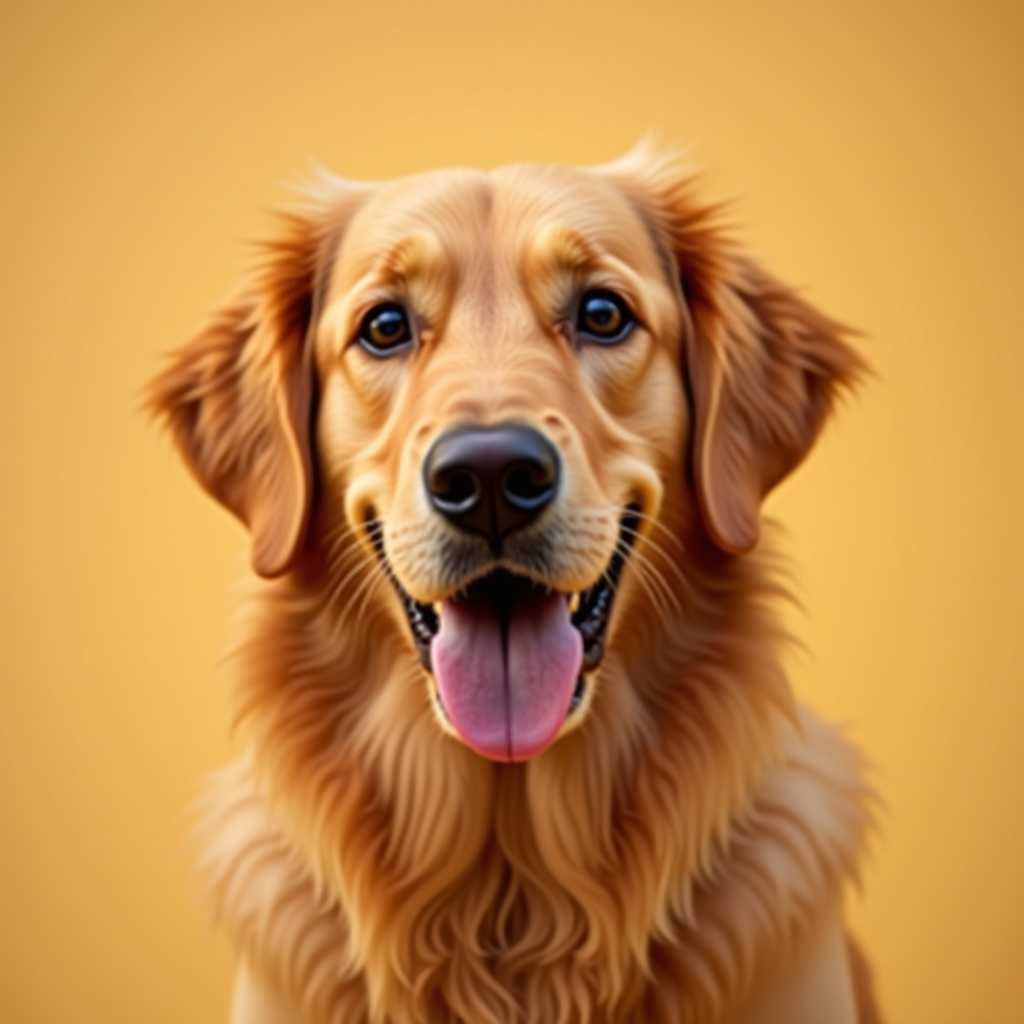
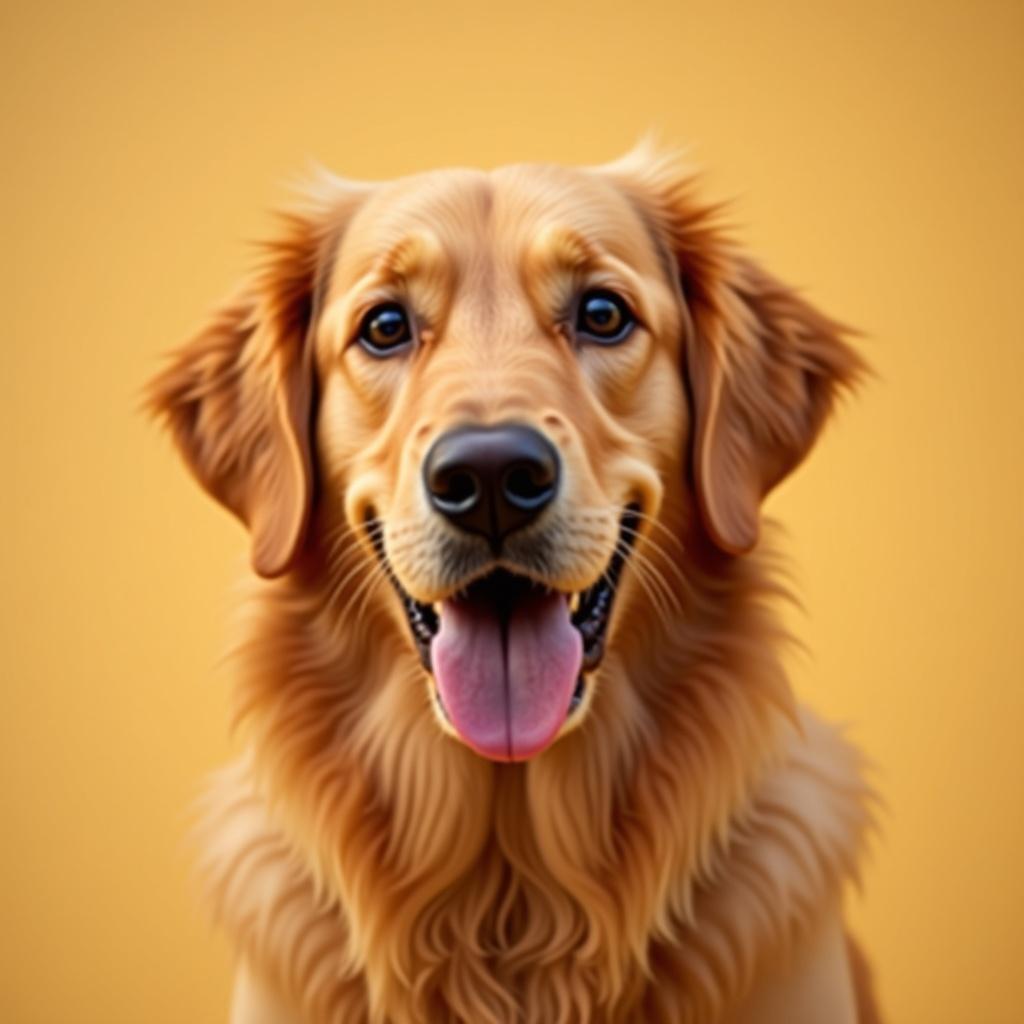
Your photo
Cross-Stitch Pattern Maker
From Any Photo
Turn any picture into a counted chart with DMC thread numbers, symbols and skein counts — free to make.
Free to use · No sign-up
Cross-Stitch Pattern Maker
From Any Photo
Turn any picture into a counted chart with DMC thread numbers, symbols and skein counts — free to make.
Free to use · No sign-up
What You Get from One Photo
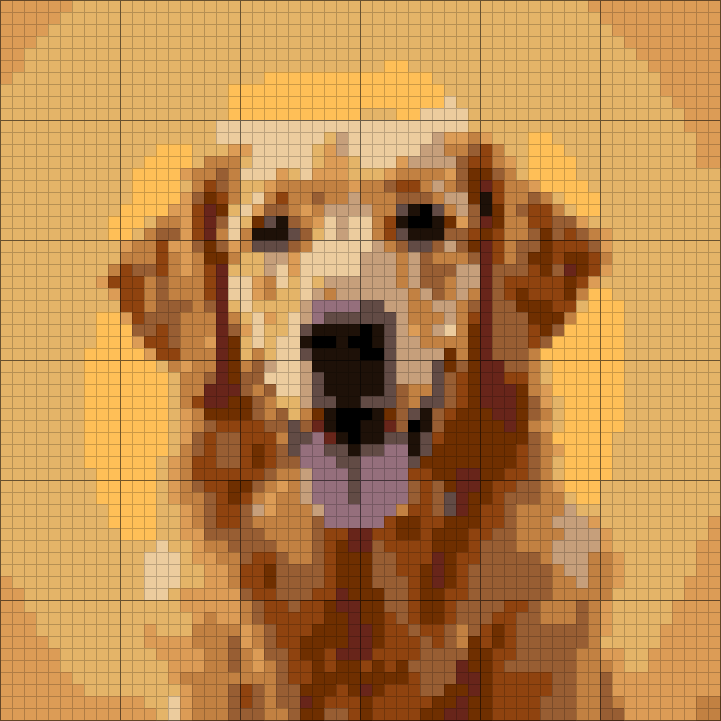
This is the chart ArtPatt made from the photo above: 60 × 60 cross-stitch chart in 14 colors.
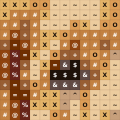
A DMC number for every color
Colors are matched to 489 DMC threads, so the legend doubles as your shopping list.
A symbol in every cell
The printed chart runs across pages with numbered rows and columns and overlapping edges, so you never lose your place.
Skeins counted for you
Each color's stitches are worked out into how much thread to buy.
Color legend from this chart
- DMC 72810 skeins
- DMC 9774 skeins
- DMC 4344 skeins
- DMC 9764 skeins
- DMC 7423 skeins
- DMC 4003 skeins
+ 8 more colors in the full legend
From Chart to Finished Cross-stitch
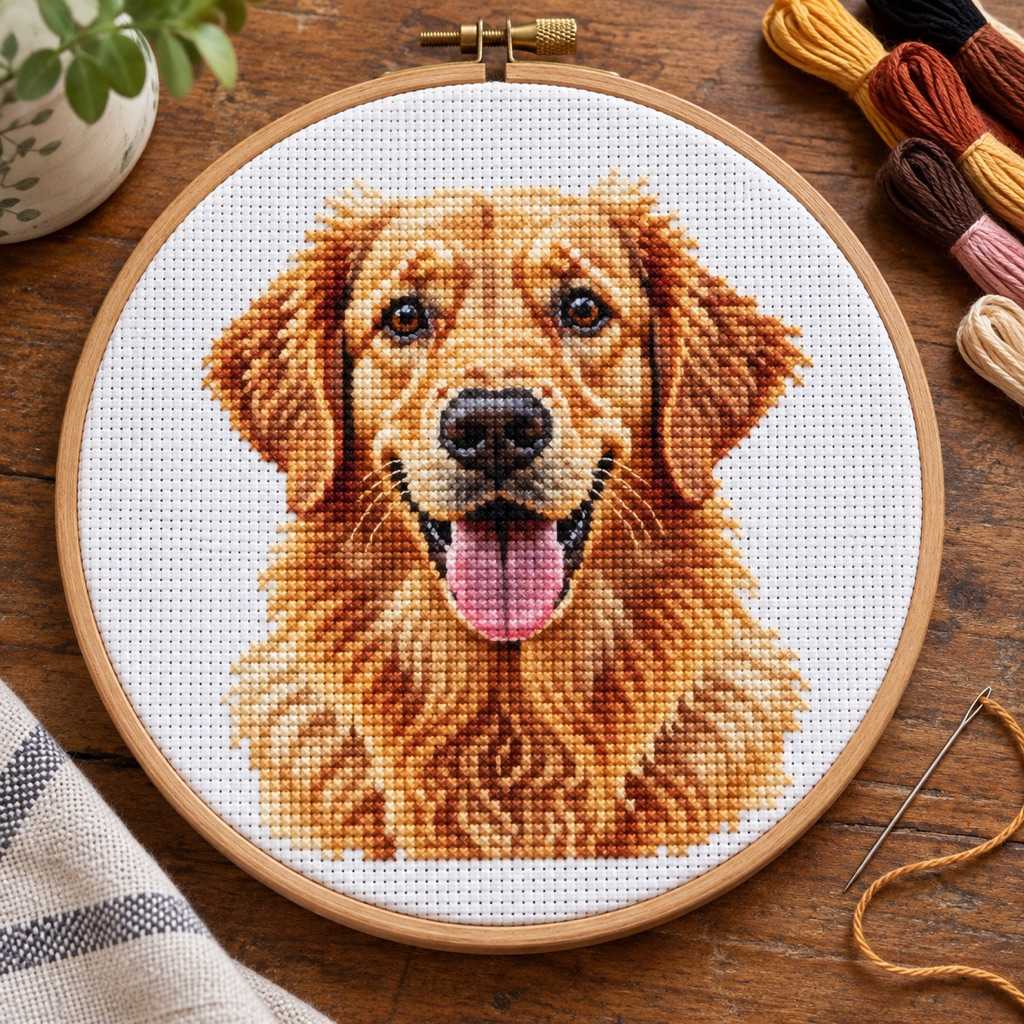
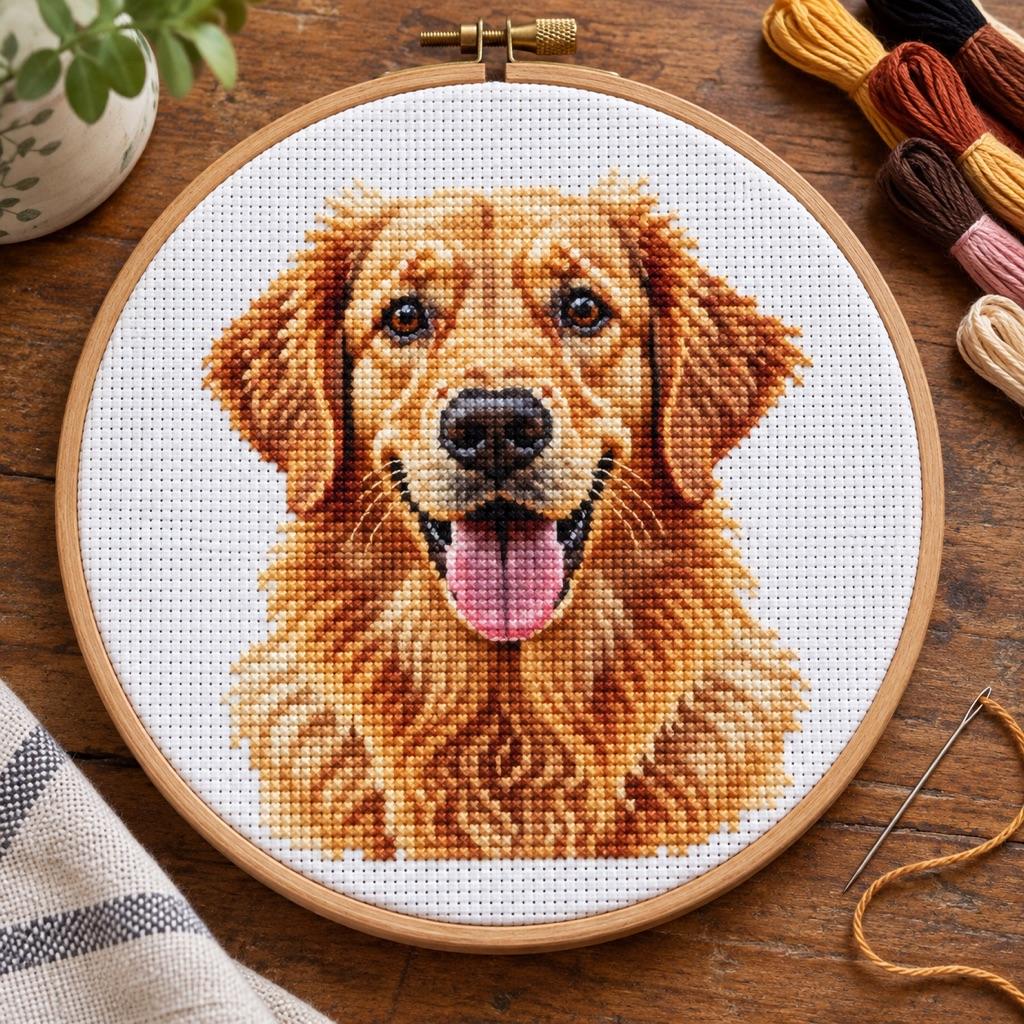
The same few squares, as they sit on the chart and as they look once worked.
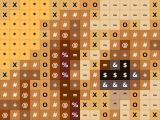
On the chart
- One square, one color, one symbol
- Rows and columns are numbered in the PDF
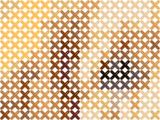
Stitched on Aida
- Each square of the chart is one X over one Aida square
- Colors are DMC threads you can buy anywhere
- The fabric shows between stitches, just like here
How Big Will It Be on 14-Count Aida?
14-count Aida fits 14 stitches in every inch. These are ArtPatt charts of the same photo at three common frame sizes — more stitches, more detail.
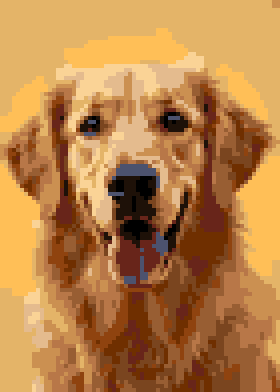
13 × 18 cm · 5 × 7 in
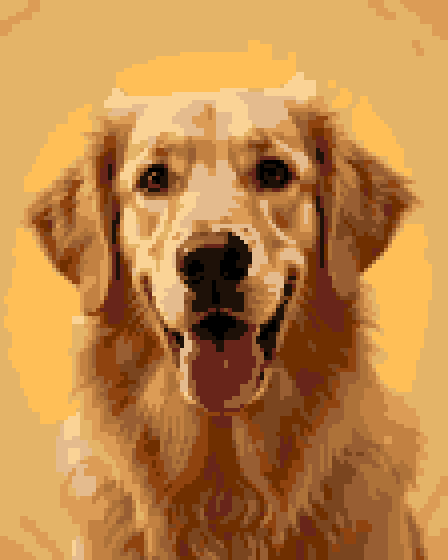
20 × 25 cm · 8 × 10 in
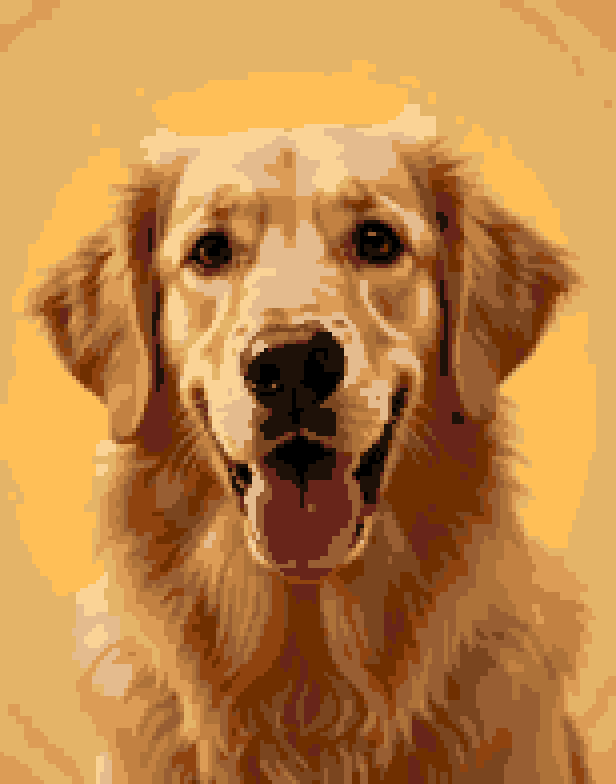
28 × 36 cm · 11 × 14 in
- 13 × 18 cm: 70 × 98 stitches — pets, logos, a first project
- 20 × 25 cm: 112 × 140 stitches — most portraits
- 28 × 36 cm: 154 × 196 stitches — detailed faces, heirloom pieces
On 18-count the same chart comes out about a fifth smaller; on 11-count about a quarter bigger. The generator shows the finished size for every fabric count as you change it.
How it works
Upload an image
Portraits, pets, landscapes or logos. Clear photos with good contrast work best.
Choose a fabric count
14-count is standard, 18-count packs more detail into less space. The finished size updates as you go.
Tune colors and outlines
15–25 colors suit most designs. Turn on backstitch for outlines and faces.
Print the chart
The PDF lists every DMC number with its symbol and skeins to buy, then the grid page by page with backstitch lines.
What Makes This Cross-Stitch Pattern Maker Different
Color matching, cleanup, stitch planning, and export tools in one browser-based workflow.
CIEDE2000 DMC Matching
CIEDE2000 measures perceived color difference more accurately than simple RGB distance. ArtPatt uses it to compare image colors with its 489-color solid DMC reference palette, while keeping every match editable.
Automatic Backstitch
Backstitch can clarify faces, text, and shapes that color fills alone do not define. Edge detection suggests adjustable outlines from the original image, which appear in the canvas preview and supported exports.
4-Level Confetti Filter
Off (raw), Light (truly isolated pixels only), Medium (1-2 neighbor threshold), Heavy (aggressive + 2 passes). The stats bar shows confetti percentage in real-time. Under 5% = pleasant to stitch. Under 2% = no isolated stitches at all.
Half & Quarter Stitches
Professional patterns use partial stitches at shape edges for smooth curves. We analyze color boundaries and classify each cell: full cross (X), three-quarter (¾), half (/), or quarter (¼). Stats show the breakdown.
Thread Calculator
Each stitch on 14-count Aida uses ~3.8cm of 2-strand floss. DMC skeins contain 8m. We calculate per color: stitch count × consumption × fragmentation overhead × 15% buffer = meters and skeins needed. The PDF legend is your shopping list.
Floyd-Steinberg Dithering
Error diffusion spreads quantization error to neighboring pixels, creating smooth gradients with fewer colors. Ideal for portraits — skin tones transition naturally instead of banding. Toggle on/off and see the difference instantly.
Convert a Photo to a Cross-Stitch Pattern, Free
Looking for a free program that turns pictures into cross-stitch patterns? This is one, and there is nothing to install: upload an image on your phone or computer and the converter gives you a counted chart with DMC thread numbers, symbols and the finished size. Your first pattern is free to make and edit without an account.
Cross-stitch pattern maker, generator, converter or creator — they all mean the same thing: software that turns a picture into a grid you can stitch from. The difference is in the details a usable chart needs: a palette of real DMC threads, few isolated confetti stitches, and symbols that stay readable when printed.
Backstitch for Clearer Edges
Backstitch defines eyes, lettering and outlines that would otherwise melt into the colors next to them. The maker suggests backstitch lines from the edges in your picture; review them and adjust the sensitivity before you print.
What a DMC Pattern Maker Actually Does
A DMC pattern maker is the software layer between a photograph and a stitchable chart. It reduces the image to a grid at the size you choose, clusters the colors in the image into a limited palette, matches each cluster to the closest DMC six-strand floss, and emits a chart with DMC numbers, symbols, and a legend. Because DMC is the most widely stocked floss brand, a DMC-matched chart is shoppable anywhere in the world.
The hard part is not the pixelation — any tool can pixelate an image. The hard part is the matching. DMC's 489 solid colors are not spread evenly across color space: there are far more shades of pink and green than of pure blue, and the perceptual distance between two DMC reds is nothing like the RGB distance between their hex values. Naive RGB matching, still used by the cheaper tools, produces palettes that band on skin tones and collapse dark areas into near-duplicate shades.
That is why this generator matches with CIEDE2000 rather than RGB distance, then applies confetti reduction at the grid level and an optional backstitch overlay. The result is a DMC chart you can stitch without constantly switching between two numbers that look identical on the fabric.
A Free Cross-Stitch Pattern Maker That Runs in the Browser
ArtPatt is a cross-stitch pattern maker that runs entirely in the browser. There is nothing to install and no signup is needed to generate a full-size counted chart from your photo — it works on phones, tablets, laptops, and desktops alike.
Most traditional pattern-maker software takes a different shape. PCStitch and WinStitch ship for Windows only, StitchFiddle gates photo conversion behind a paid plan, and several of the free browser tools still match colors with naive RGB distance, which falls apart on portraits and dark shades. Running in the browser with CIEDE2000 matching removes both the platform problem and the accuracy problem at once.
Cross-Stitch Pattern Generator FAQ
Explore More Pattern Generators
Embroidery Pattern Generator
Turn any image into an embroidery pattern with DMC thread matching and stitch suggestions.
Plastic Canvas Pattern Generator
Same counted-chart idea, worked in yarn on a rigid mesh instead of floss on Aida.
How to Read a Cross-Stitch Pattern
Symbols, colors, backstitch lines and confetti: what everything on a chart means.
DMC to Anchor, Madeira and Sullivans
Convert the DMC numbers on your chart to other floss brands.
DMC Color Chart with Names and Numbers
Browse all 489 solid DMC floss colors with names, numbers, swatches, and approximate hex codes.