Your photo
Pixel Art Pattern Generator
For Cross-Stitch & Crochet
Game sprites and 8-bit art map pixel for stitch into a cross-stitch or crochet pattern — sharp edges stay sharp.
Free to use · No sign-up
Pixel Art Pattern Generator
For Cross-Stitch & Crochet
Game sprites and 8-bit art map pixel for stitch into a cross-stitch or crochet pattern — sharp edges stay sharp.
Free to use · No sign-up
What You Get from One Photo
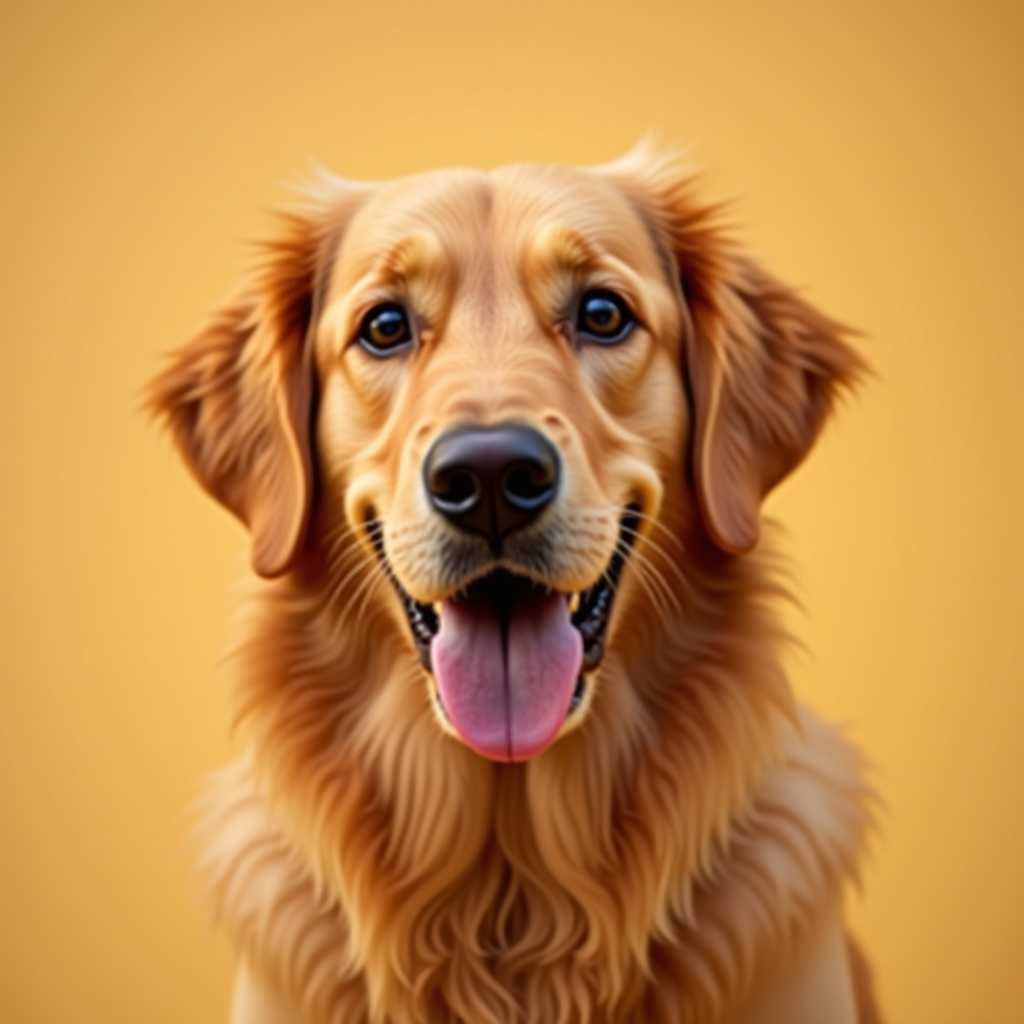
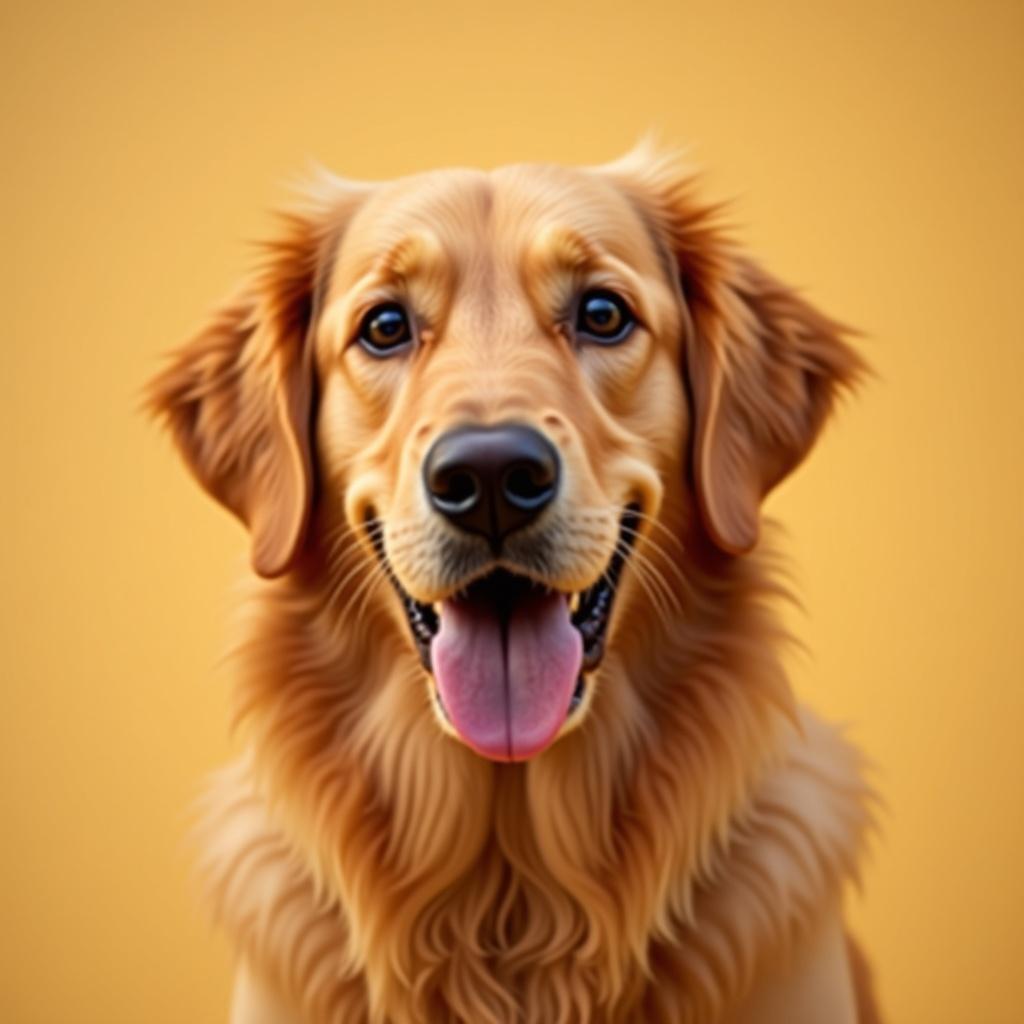
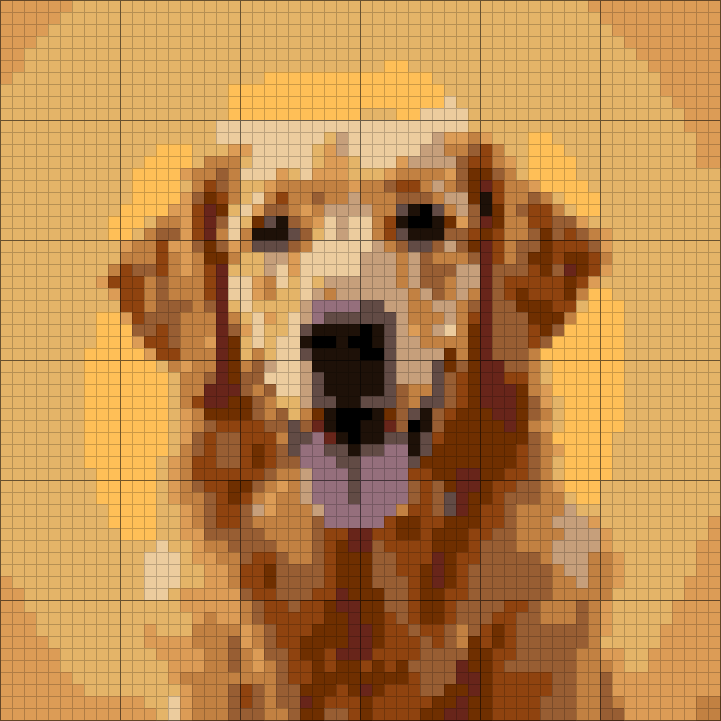
This is the chart ArtPatt made from the photo above: 60 × 60 cross-stitch chart in 14 colors.
A DMC number for every color
Colors are matched to 489 DMC threads, so the legend doubles as your shopping list.
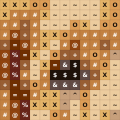
A symbol in every cell
The printed chart runs across pages with numbered rows and columns and overlapping edges, so you never lose your place.
Skeins counted for you
Each color's stitches are worked out into how much thread to buy.
Color legend from this chart
- DMC 72810 skeins
- DMC 9774 skeins
- DMC 4344 skeins
- DMC 9764 skeins
- DMC 7423 skeins
- DMC 4003 skeins
+ 8 more colors in the full legend
From Chart to Finished Cross-stitch
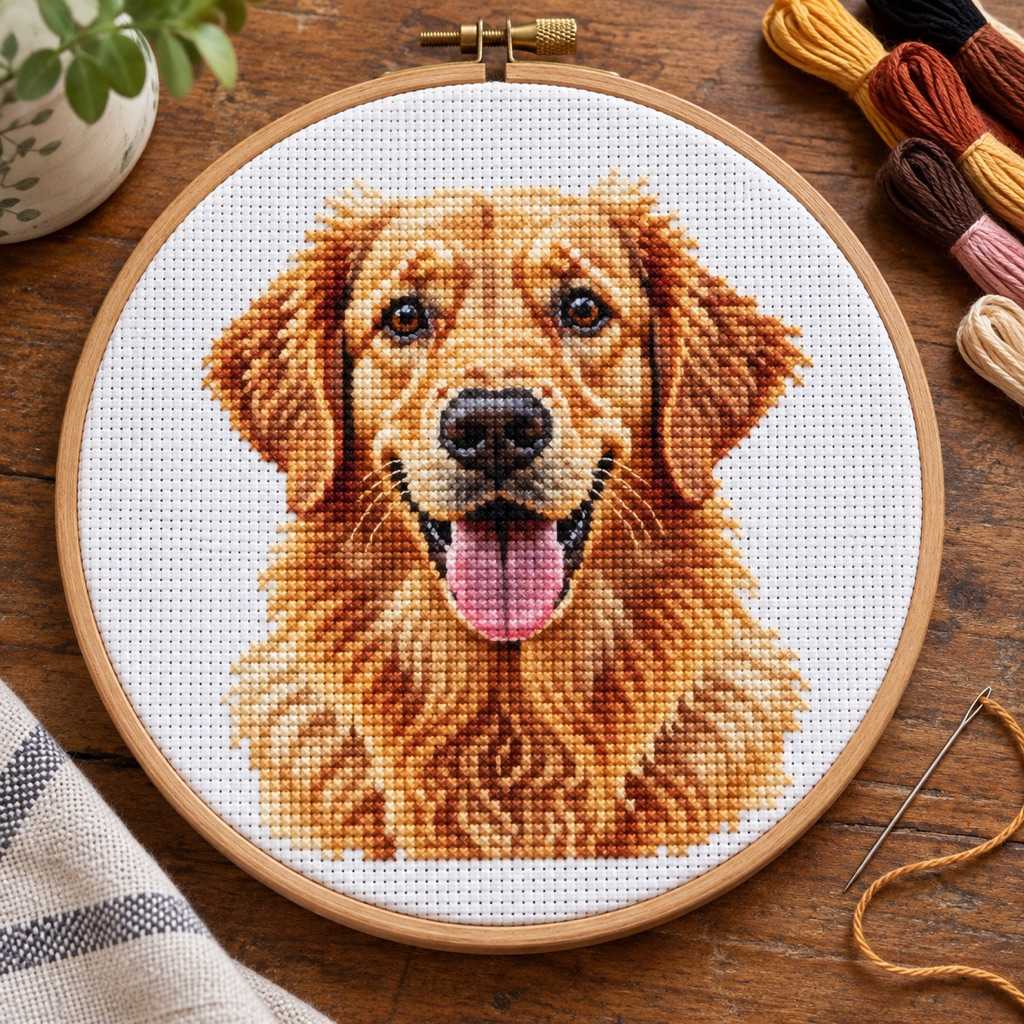
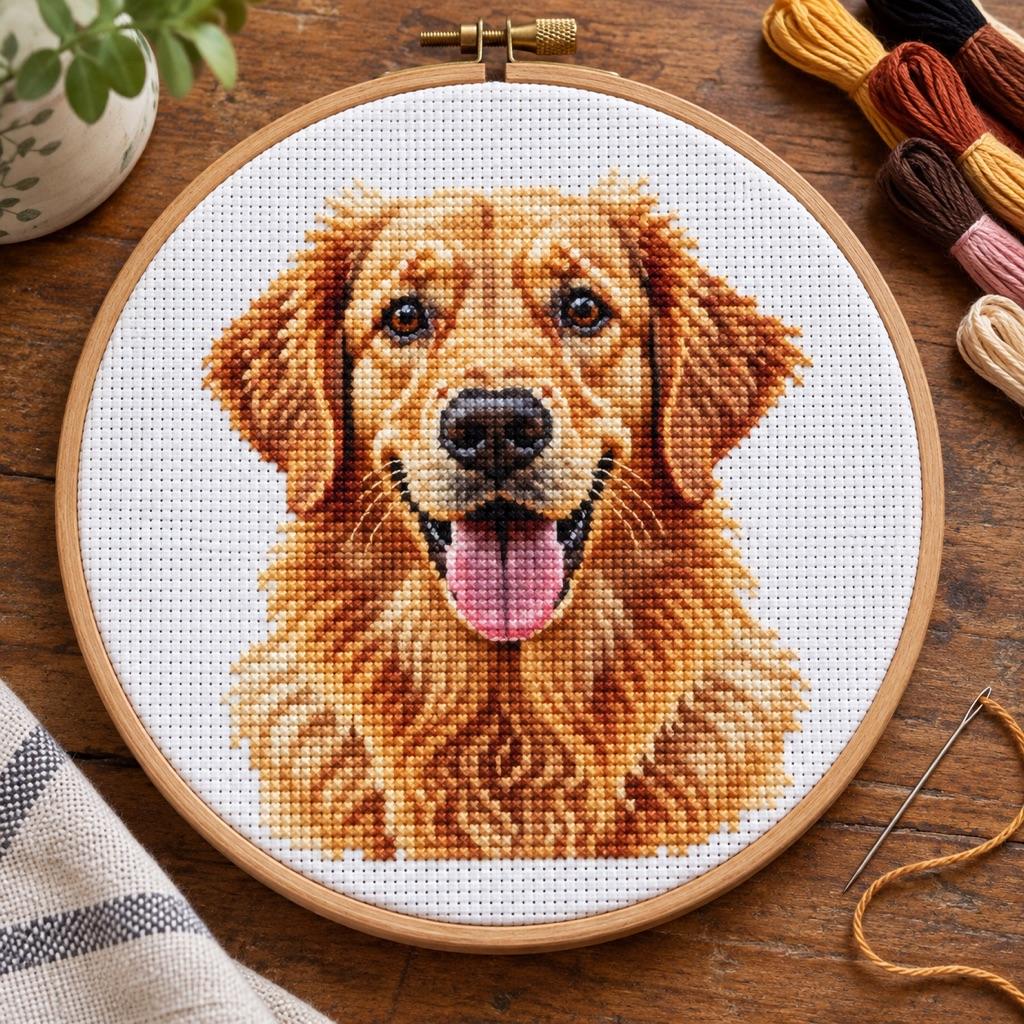
The same few squares, as they sit on the chart and as they look once worked.
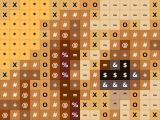
On the chart
- One square, one color, one symbol
- Rows and columns are numbered in the PDF
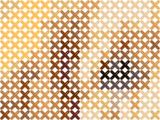
Stitched on Aida
- Each square of the chart is one X over one Aida square
- Colors are DMC threads you can buy anywhere
- The fabric shows between stitches, just like here
How it works
Get a Clean Sprite Image
Screenshot your Minecraft build, download a sprite from a game sprite database, or export from your favorite game's texture pack. Crop tightly to the design you want. PNG format works best — it preserves sharp pixel edges without JPEG compression artifacts.
Match Grid to Sprite Size
If your sprite is 16×16 pixels, set the grid to 16. For 32×32 sprites, use 32. This gives you a perfect 1:1 pixel-to-stitch mapping with no interpolation. For larger game maps or custom pixel art, scale up proportionally.
Set Colors and Turn Off Dithering
Set color count to match the exact number of colors in your pixel art — usually 4-16 for classic game sprites. Dithering should be OFF. Set confetti to Light or Off — clean pixel art doesn't have the noise that photos do.
Preview and unlock the chart
Free: full browser preview. Pro ($6.99/month or $39.99/year): PNG + PDF with DMC color legend, thread quantities, and page-sized grid sections. Perfect for framing, patches, or keychains.
Built for Pixel-Perfect Craft Patterns
Pixel art is already a grid — these features preserve that precision through to the finished stitch pattern.
True 1:1 Pixel Mapping
Set your grid width to exactly match your sprite's pixel width and each input pixel maps to exactly one output stitch. No interpolation, no anti-aliasing, no blurring between pixels. A 16-color Minecraft item stays 16 colors. The Pokémon sprite's yellow is still yellow, not a slightly different yellow created by averaging adjacent pixels.
489 DMC Colors for Sharp Palettes
Pixel art palettes are deliberately limited — 4, 8, or 16 distinct colors. ArtPatt's CIEDE2000 matching finds the closest DMC thread for each palette color individually. The result: your 8-color sprite maps to 8 distinct DMC threads that match the original palette as closely as possible, not a blended approximation.
No Dithering for Clean Edges
Most photo-optimized generators default to dithering — scattering intermediate pixels between color edges to simulate gradients. For pixel art this is destructive: it adds stray stitches between the clean color boundaries that define the pixel aesthetic. ArtPatt lets you disable dithering entirely. Sharp pixel boundaries stay sharp in the pattern.
Exact Finished Size Preview
Enter your Aida fabric count (14, 16, or 18-count are most common) and the generator shows exact finished dimensions. A 32×32 sprite on 14-count Aida = 5.8cm (2.3in). On 28-count evenweave stitched over 2 = same 5.8cm but more detailed. Plan your project size before cutting fabric.
Multiple Craft Options
Cross-stitch on Aida fabric gives the highest resolution and most faithful sprite recreation. Crochet SC graphghan works for larger pixel art — game maps, 16-bit characters, or pixel art blankets. Diamond painting gives a sparkling mosaic effect for larger sprites. All craft types share the same underlying pixel-accurate color mapping.
PDF with Symbol Chart
The PDF includes a symbol chart where each color gets a unique symbol (essential for black-and-white printing). The legend maps symbols to DMC numbers and thread quantities. For small sprites, print the entire chart on one page. For larger game map designs, it splits into page-sized sections with row and column numbers.
Pixel Art Crafts: Minecraft, Pokémon, and Beyond
Minecraft cross-stitch is one of the most popular craft crossover niches online. The blocky, pixel-based aesthetic of the game translates directly to cross-stitch — each Minecraft block is literally one stitch. The most popular designs are item sprites (swords, tools, food), mob faces (Creeper face, Enderman, Steve), biome landscapes seen from above, and builds recreated as wall-sized graphghans. For item sprites, use 16×16 grid. For mob faces, use 8×8 or 16×16. For landscape builds, scale to whatever grid fits your target finished size.
Pokémon sprite cross-stitch has been popular since the Game Boy era. Classic Gen 1 and Gen 2 sprites are 56×56 pixels (front-facing battle sprites) — at 14-count Aida, a 56-stitch design = 10cm (4in). The official front sprites use 16 colors maximum per generation, making them clean, achievable patterns. Pokémon type icons (16×16), Pokéballs (32×32), and the Gen 1 overworld sprites (16×16) are also popular. Upload a clean sprite sheet, crop to one Pokémon, match the color count to the original sprite's palette, and disable dithering.
Animal Crossing custom patterns: the in-game custom design tool uses a 32×32 grid with a 15-color palette — identical constraints to cross-stitch. If you've made custom designs in Animal Crossing, you already understand the grid-color logic. Upload your design canvas screenshot to ArtPatt, set grid to 32, colors to 15, dithering off. For Pro designs (64×64), double the grid. The resulting cross-stitch pattern uses exactly the same layout you designed in-game.
Sizing Pixel Art Patterns for Different Crafts
For cross-stitch, fabric count determines finished size: 14-count = 14 stitches per inch. A 32-stitch wide design = 32/14 = 2.3in (5.7cm). 18-count gives you 32/18 = 1.8in (4.4cm) — smaller and more detailed. Higher count (28, 32) gives very fine detail but requires a magnifier for stitching. Most pixel art cross-stitch is done on 14-count for visibility and 16-count for portability. Use 14-count for standalone pieces, 18-count or 28-count for incorporating sprites into clothing, bags, or jewelry.
For crochet graphghan pixel art: SC at 16 stitches per 10cm means a 64-stitch design = 40cm (16in) wide — a pillow cover. A 128-stitch design = 80cm — a lap blanket. Game maps and large 16-bit scenes look spectacular as crochet blankets. Upscale your 16×16 sprite 4× to 64×64 for a pillow-sized version. The confetti reduction setting may want to be set lower (Light or Off) for pixel art since isolated single-pixel color changes are intentional in sprites, not noise to remove.
Pixel Art Pattern FAQ
Related Pattern Generators
Cross-Stitch Pattern Generator
Full photo-to-cross-stitch with 489 DMC colors, CIEDE2000 matching, and backstitch detection.
Graphghan Pattern Generator
Large-scale SC crochet blankets — great for game map and 16-bit character blankets.
Crochet Pattern Generator
SC, HDC, DC — full stitch ratio correction and yarn estimates.
Diamond Painting Pattern Generator
Game sprites in sparkling diamond drill format — no stitching required.
Perler Bead Pattern Generator
Sprites without a needle — one bead per peg, ironed flat, sized to 29×29 pegboards.
Pet Portrait Pattern Generator
Photo to craft pattern with CIEDE2000 matching for detailed portraits.