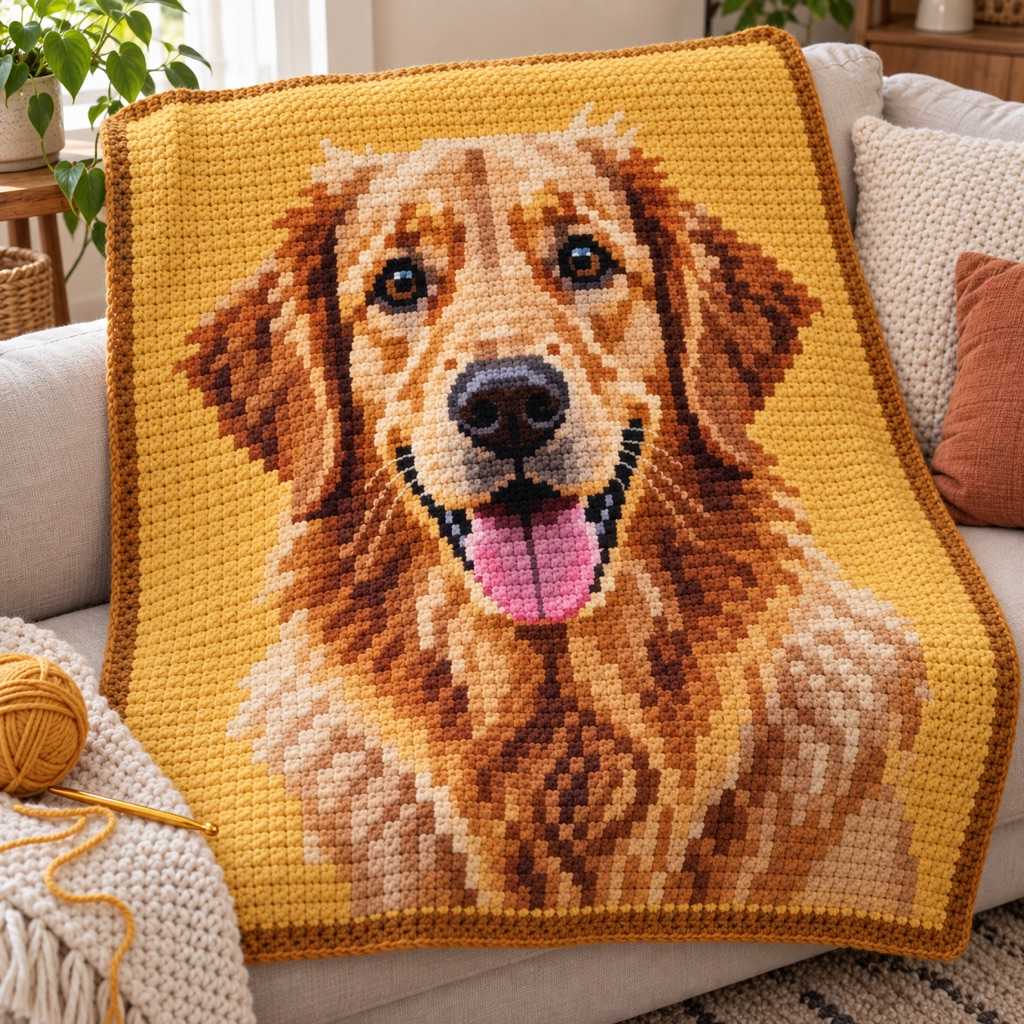
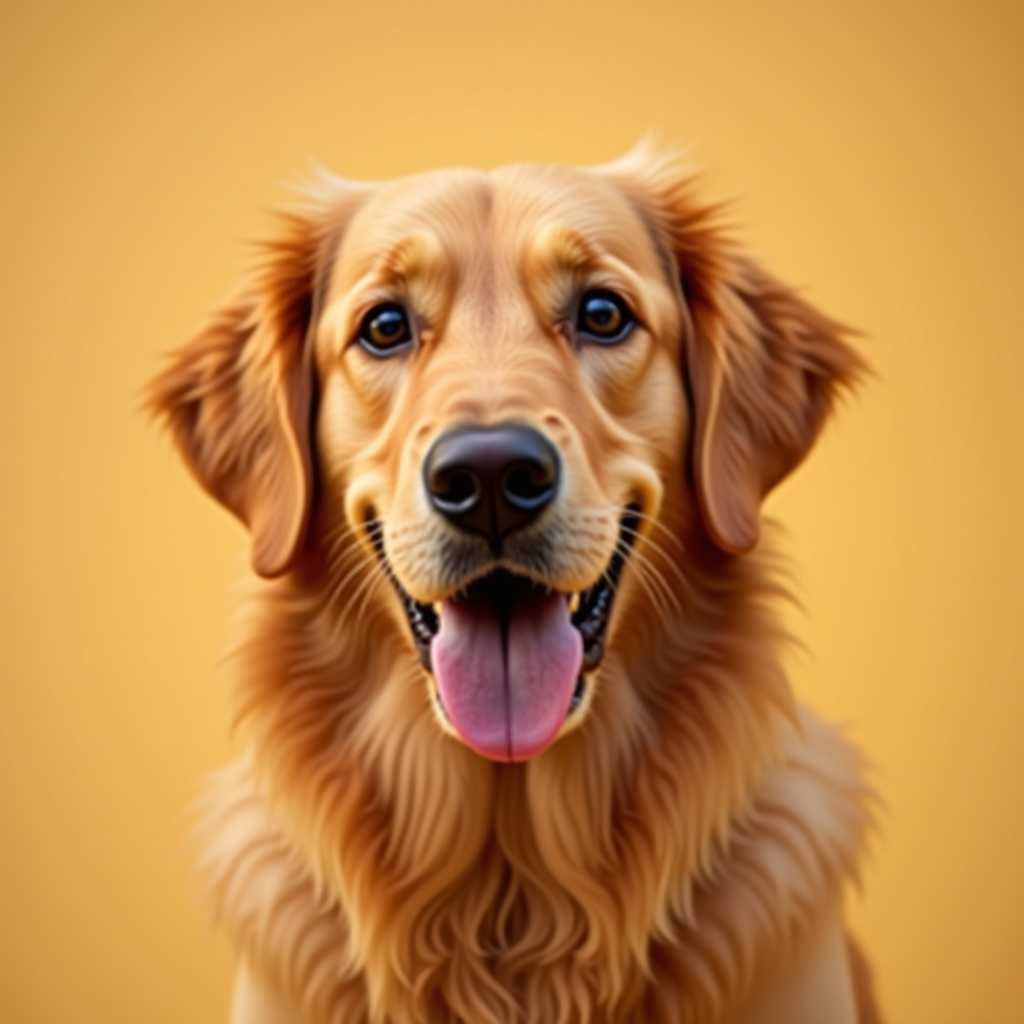
Your photo
Turn Any Photo Into a
Graphghan Pattern
A single crochet stitch isn't square, so the graph corrects for it — your blanket matches the photo.
Free to use · No sign-up
Graphghan previews focus on blanket-scale grids, color blocks, and yarn planning.
Turn Any Photo Into a
Graphghan Pattern
A single crochet stitch isn't square, so the graph corrects for it — your blanket matches the photo.
Free to use · No sign-up
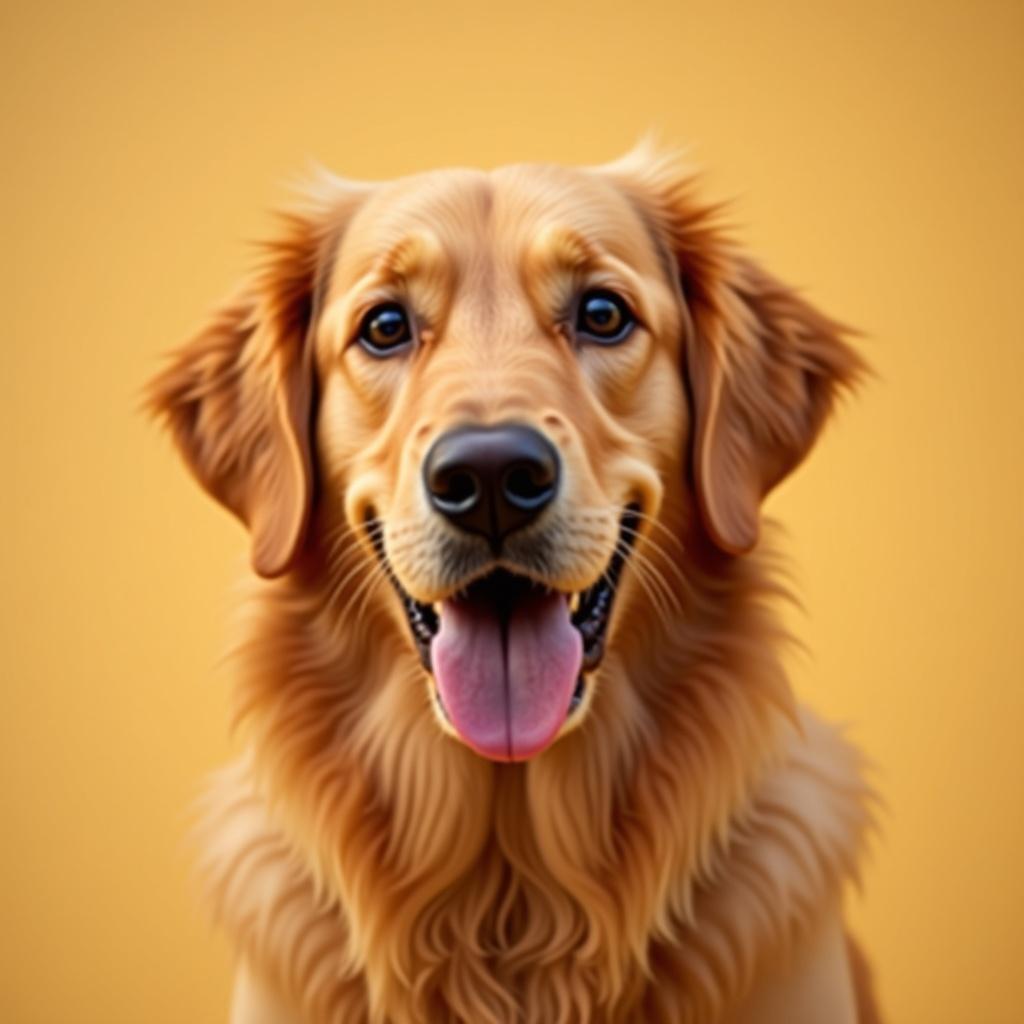
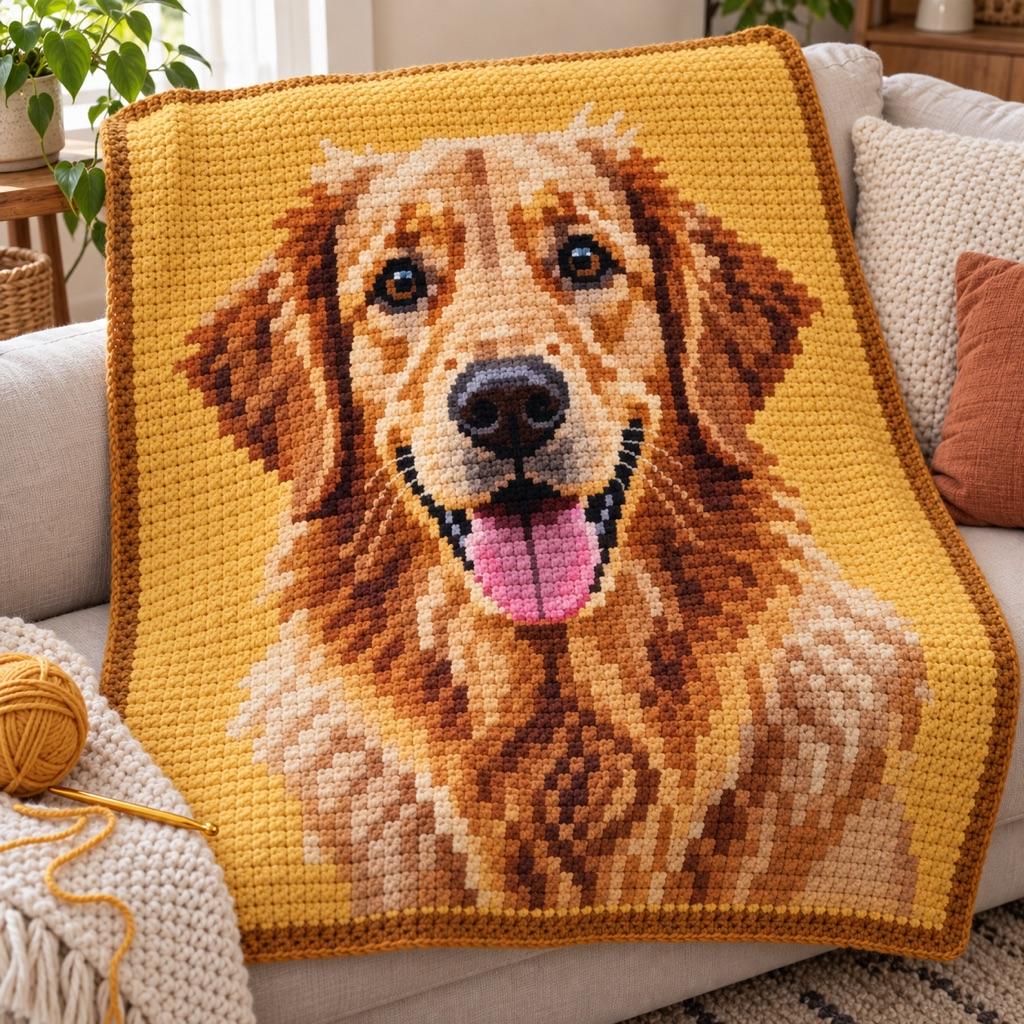
What You Get from One Photo
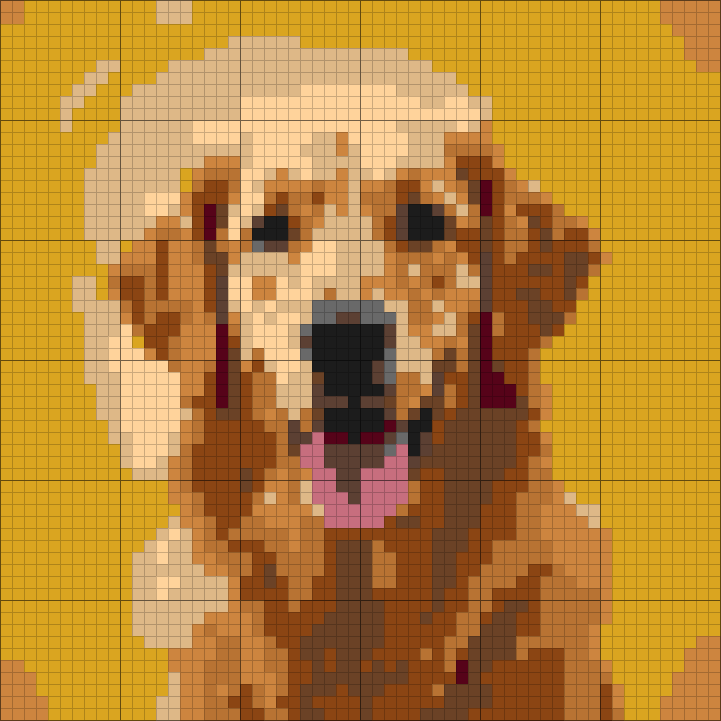
This is the chart ArtPatt made from the photo above: 60 × 60 graphghan chart in 12 colors.
Yarn colors matched
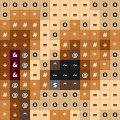
Each color in the picture is matched to a yarn shade and listed in the legend.
Written rows, not just a grid
Every row is written out as color runs, so you can work from the list instead of counting squares.
Balls counted per color
Stitch counts are turned into how much yarn each color needs.
Color legend from this chart
- Goldenrod2 balls
- Tan1 ball
- Saddle Brown1 ball
- Copper1 ball
- Peru1 ball
- Walnut1 ball
+ 6 more colors in the full legend
From Graphghan Chart to Finished Piece
The same few squares, as they sit on the chart and as they look once worked.
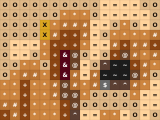
On the chart
- One square, one color, one symbol
- Rows and columns are numbered in the PDF
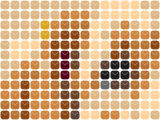
Worked in single crochet
- Each square of the chart is one stitch
- Stitches are wider than tall, and the chart is sized for that
- Carry or change colors where the chart does
How it works
Upload Your Image
Any photo, logo, pixel art, or portrait, straight from your phone or computer. High contrast images with clear shapes produce the most readable graphghans.
Set Your Grid Size
Choose width in stitches — 100-120 for a lap blanket, 160-180 for a throw, 200+ for a full-size afghan. The generator shows finished dimensions in cm/inches using your gauge.
Pick Colors and Reduce Confetti
8-12 colors for most graphghans. Set confetti to Medium — it removes isolated stitches that would mean extra bobbin changes mid-row. Check the confetti % in the stats bar.
Preview and unlock the chart
Free: full browser preview. Pro ($6.99/month or $39.99/year): HD PNG + PDF with color legend, yarn quantities per color, and page-sized grid sections for printing.
Built for Graphghan Makers
Graphghans have unique demands — large grids, many color changes, precise sizing. We handle each one.
Correct SC Aspect Ratio
Pixel-art tools treat stitches as square. A single crochet stitch is not — it is a little wider than it is tall. Chart a square picture on a square grid and the blanket comes out squashed. ArtPatt adds rows for single crochet, so the crocheted piece keeps the picture's proportions.
Confetti Reduction for Clean Rows
Isolated single-stitch color changes are the graphghan maker's enemy: each one means picking up and dropping a bobbin for one stitch. Our majority-vote filter detects and removes them. Set to Medium for most photos — it merges isolated pixels with surrounding colors while preserving all the important detail.
Real Finished Dimensions
Enter your gauge (stitches per 10cm from a swatch with your yarn and hook), and the generator calculates exact finished width and height. Adjust grid size until you hit your target blanket size. No guessing — plan the project before you buy yarn.
Swap Any Color to Match Your Stash
The pattern uses algorithmically chosen colors — but you probably have yarn in your stash. Click any palette color to replace it from our searchable 120-color database. Merge two similar colors to simplify the pattern and reduce bobbins. See the change instantly in the preview.
Row-by-Row Progress Tracking
Pro users can track completed rows directly in the generator. Each row can be marked off as you finish it — the chart shows your progress visually and saves to your account so you can pick up where you left off across devices.
Print-Ready PDF with Section Pages
Graphghans are large — a 160×200 chart doesn't fit on one page. The PDF splits the chart into page-sized sections with row and column reference numbers, plus a cover page with color legend, yarn codes, meters per color, and skein counts per color.
What Makes a Good Graphghan Image?
The best graphghan subjects are images with clear subjects, strong contrast, and defined color boundaries. Pet portraits work beautifully — especially close-up face shots with good lighting and a simple background. Video game characters and pixel art translate directly since they're already grid-based. Bold logos, silhouettes, and geometric designs become crisp, readable blankets.
Images that struggle: dark, underexposed photos (use the brightness slider before generating), very detailed backgrounds that compete with the subject (crop tightly first), and photographic gradients with subtle color transitions (try dithering mode to simulate the gradient with alternating stitches). For portraits, 15-20 colors captures enough flesh tone variation. For simpler graphics, 6-10 colors is cleaner and easier to crochet.
Grid size planning: at a typical US worsted weight gauge of 16 SC per 10cm, a 160-stitch wide blanket = 100cm (40 inches). A standard throw is 120×150cm — that needs roughly 195×240 stitches. That's a large project. Most graphghan makers start with a pillow cover (40×40cm = 64×64 stitches) or a tapestry bag panel (25×30cm = 40×48 stitches) to learn the technique before committing to a full blanket.
Graphghan vs Tapestry Crochet vs C2C
Graphghan (intarsia SC): uses separate yarn bobbins per color block, no carrying yarn. Thinner fabric than tapestry. Suitable for any number of colors. Best for detailed images where fabric weight matters. The chart reads identically to tapestry — the difference is in how you handle the yarn while working.
Tapestry crochet: carries all yarn colors inside stitches across every row. Creates a thick, dense fabric — great for bags, not ideal for large blankets. Limited to 8-12 colors before the fabric becomes unwieldy. ArtPatt's confetti filter was originally built for tapestry work.
C2C (corner-to-corner): each 'pixel' is a DC cluster, not a single stitch. Faster per square inch, but lower resolution. Great for large blankets when speed matters more than fine detail. Use our C2C pattern generator for this technique — it applies DC aspect ratio correction instead of SC.
Graphghan Pattern Generator FAQ
More Crochet Pattern Generators
Crochet Pattern Generator
Main crochet generator — SC, HDC, and DC with full stitch ratio compensation.
C2C Crochet Pattern Generator
Corner-to-corner graphghans with DC cluster ratio correction and yarn estimates.
Tapestry Crochet Pattern Generator
Colorwork bags and blankets with yarn-carry estimates and heavy confetti reduction.
Crochet Alpha Pattern Generator
Draw an SC colorwork chart square by square on a blank grid, or convert a photo.
Mosaic Crochet Pattern Generator
Generate a two-color overlay X chart with BLO sc and mdc row instructions.
Crochet Yarn Calculator
Estimate yarn quantities for any crochet project by stitch type and gauge.