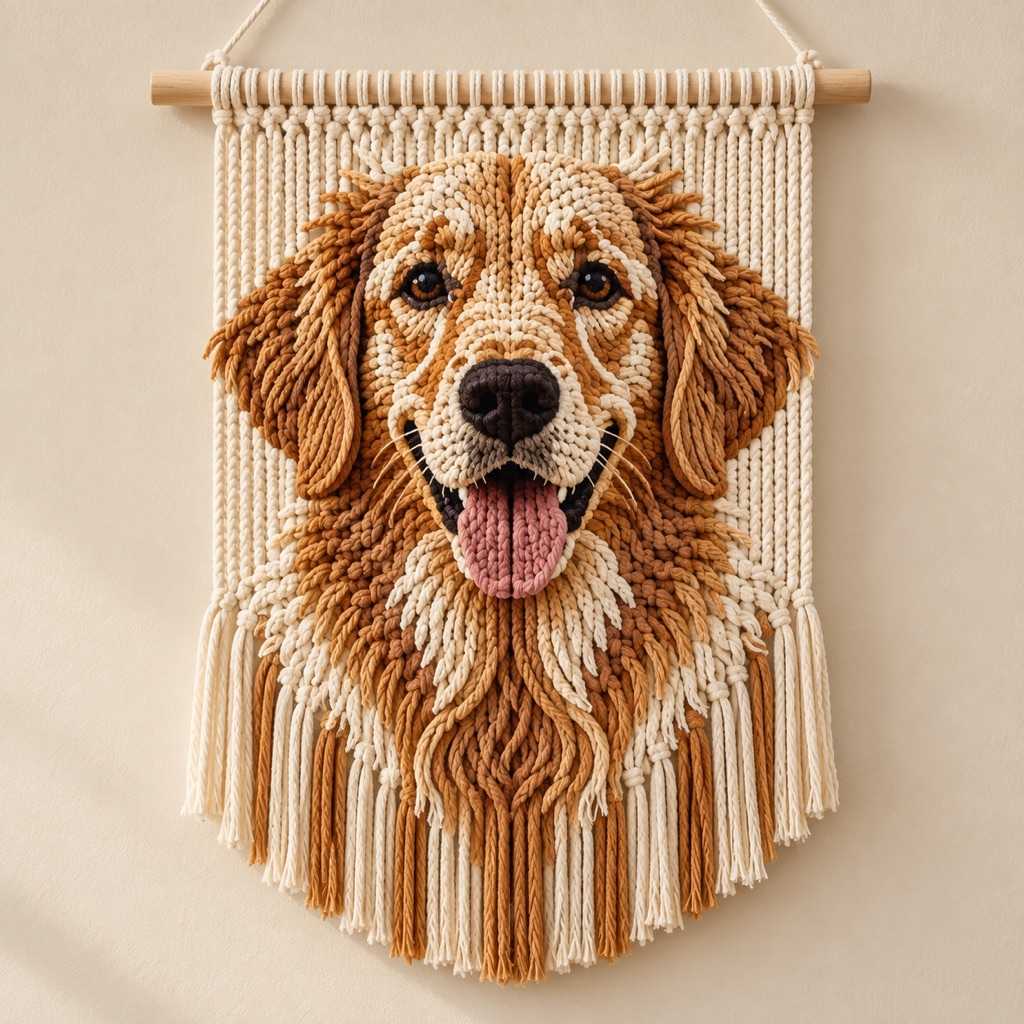
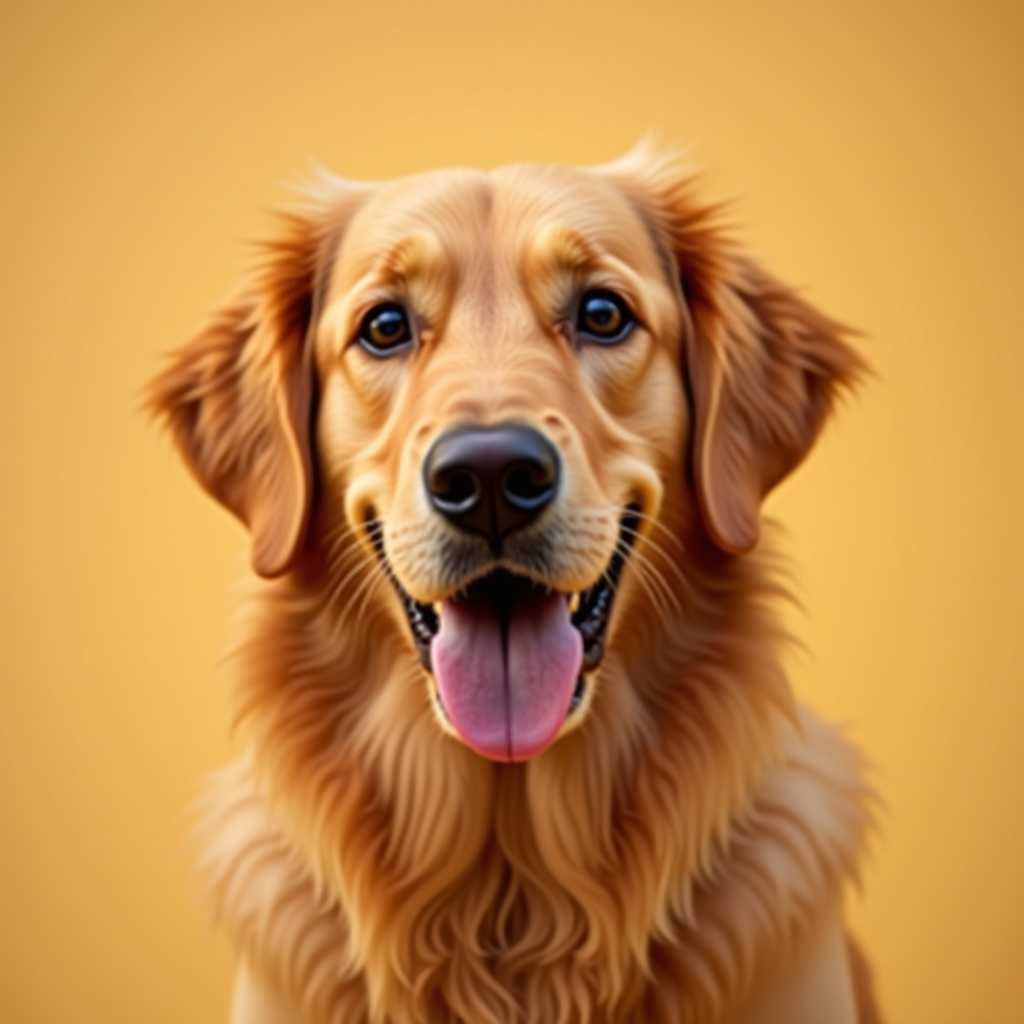
Your photo
Macrame Patterns
from Any Image
A macrame and macramé art generator: turn any photo into a bold 20–40 knot grid with clean shapes.
Free to use · No sign-up
What You Get from One Photo
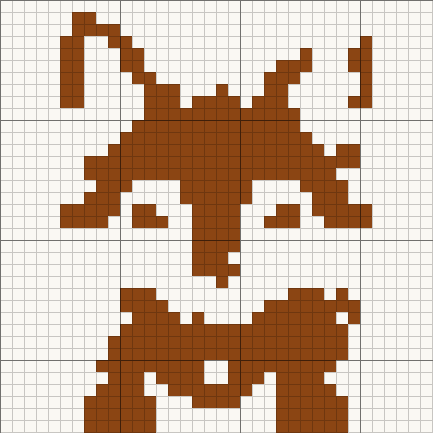
Two-color techniques need a bold picture, so this one is made from our fox sample: 36 × 36 macrame chart in 2 colors.
A knot map
The chart shows which squares to tie and which to leave open.
Two cord colors
Pictures are reduced to a knot color and the open cords behind it.
Cord counted
Knots are counted so you know how much cord to cut.
Color legend from this chart
- Saddle Brown7 spools
- Open / no knot1 spool
From Macrame Chart to Finished Piece
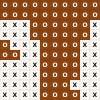
The same few squares, as they sit on the chart and as they look once worked.
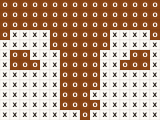
On the chart
- One square, one color, one symbol
- Rows and columns are numbered in the PDF
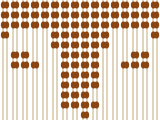
Tied in square knots
- Dark squares are knots, light squares leave the cords open
- A 20 to 40 knot wide grid keeps the shape readable
- Bold, simple pictures work best
Optimized for Macrame
Not a cross-stitch tool forced into macrame — built for how macrame actually works.
Low-Res Grid Design
Most pattern generators assume 100+ stitches across. Macrame uses 20-40 knots. ArtPatt handles this cleanly — each cell = one square knot or knot group. Fewer knots means bold, simple designs that actually translate to cord.
Maximum Confetti Reduction
Isolated color knots in macrame mean splicing cord or creating visible joins. Heavy confetti ensures every color area is solid. The visual difference is minimal at 20-40 resolution, but the construction is dramatically easier.
Natural Fiber Colors
Macrame cord comes in limited colors — natural/ecru, white, black, earth tones, limited accents. Use the color swap to replace generated colors with shades that match your actual cord. Bochiknot, Ganxxet, and Lovely Cottons color ranges covered.
Cord Estimation with Cutting Factor
Each knot uses ~15cm of cord, but you need to cut cords 3.5× the finished length (cord folds over dowel, each half gets knotted). ArtPatt estimates base cord and you multiply by 3.5. Plus 20% extra for waste and mistakes.
Choosing Images for Macrame
Macrame's 20-40 knot resolution means only bold, simple images translate well. Think of it like designing a very low-resolution pixel art piece. Best subjects: silhouettes (animals, plants, faces in profile), geometric shapes (diamonds, zigzags, chevrons), large abstract designs, and block-letter text.
Avoid: detailed portraits (faces need at least 50+ pixels across for recognition), busy backgrounds, photos with hundreds of subtle colors, and images that rely on fine detail. If you can't recognize the image at 30×30 pixels on screen, it won't work as macrame.
Pro tips: boost contrast to maximum in preprocessing — macrame needs sharp boundaries between color areas. Keep colors to 4-6 max. Turn off dithering (stippled patterns don't translate to knots). Use the before/after comparison at low resolution to check if the design reads clearly.
Sizing Your Wall Hanging
Standard macrame wall hangings: small (20×30 knots = ~25×38cm with 5mm cord), medium (30×40 = ~38×50cm), large (40×60 = ~50×75cm). Add 15-30cm of fringe below the knotted area for the hanging portion. The pattern covers only the knotted design — plan your dowel width to be 5-10cm wider than the design.
Cord thickness changes density: 3mm cord ≈ 8-10 knots per 10cm. 5mm cord ≈ 5-6 knots per 10cm. Enter your gauge (knots per 10cm) in ArtPatt and the dimension display shows exact finished size before you start cutting cord.
Macrame Pattern Generator FAQ
Yes. 1 upload, generation, and full browser preview and all of its edits are free, with no account required. A $2.99 single-pattern unlock gives you the PNG and printable PDF. Pro ($6.99/month or $39.99/year) unlocks unlimited projects, every export, and every other craft generator.
ArtPatt analyzes your uploaded photo, reduces it to a low-resolution 20–40 knot grid, snaps the colors to a natural fiber palette, and removes confetti so every color block knots cleanly. You choose the cord shades and the knot type.
This tool doubles as a macramé art generator for wall hangings, plant hangers, and modern fiber wall art. Bold silhouettes, geometric shapes, and abstract designs translate best at macrame's 20–40 knot resolution. Pick 4–6 cord colors and the generator produces a printable knot grid you can knot directly from.
Small wall hanging: 20×30. Medium: 30×40. Large: 40×60. With 5mm cord at 6 knots/10cm, a 30×40 grid = ~50×67cm finished design area plus fringe below. Enter your gauge for exact dimensions.
ArtPatt shows base cord length per color. Multiply by 3.5× for cutting length (cord folds over dowel and gets consumed by knots from both ends). Buy 20% extra. For a 30×40 grid with 5 colors, expect to need 150-250m of cord total across all colors.
Only bold, simple images work. Macrame is 20-40 knots across — equivalent to a very low-resolution image. Silhouettes, geometric shapes, and large abstract designs work well. Detailed portraits, busy scenes, and images with subtle gradients will not translate. Test with the preview before buying cord.
Geometric wall hangings, striped arches, checkerboards, suns, moons, leaves, and simple plant silhouettes. All of them keep the color areas large, which makes knot counting and cord management far easier than a design with scattered small shapes. On the photo side, the easiest conversions are high-contrast silhouettes — a black cat profile, a mountain horizon, a desert sunset, chunky initials — because they survive low resolution and need fewer colors.
Most macrame cord brands offer 15-30 colors: natural/ecru, white, black, several grays, earth tones (tan, brown, rust, terracotta), limited brights (mustard, sage, dusty pink). Use ArtPatt's color swap to replace generated colors with shades matching your specific cord brand.
The grid shows color placement — each cell = one visual 'unit' of the design. For square knot patterns, each cell = one square knot. You decide the knot type based on the density and texture you want. Square knots for dense/pixel-like, half hitches for open/airy.