Your photo
Turn Any Image Into a
Blackwork Pattern
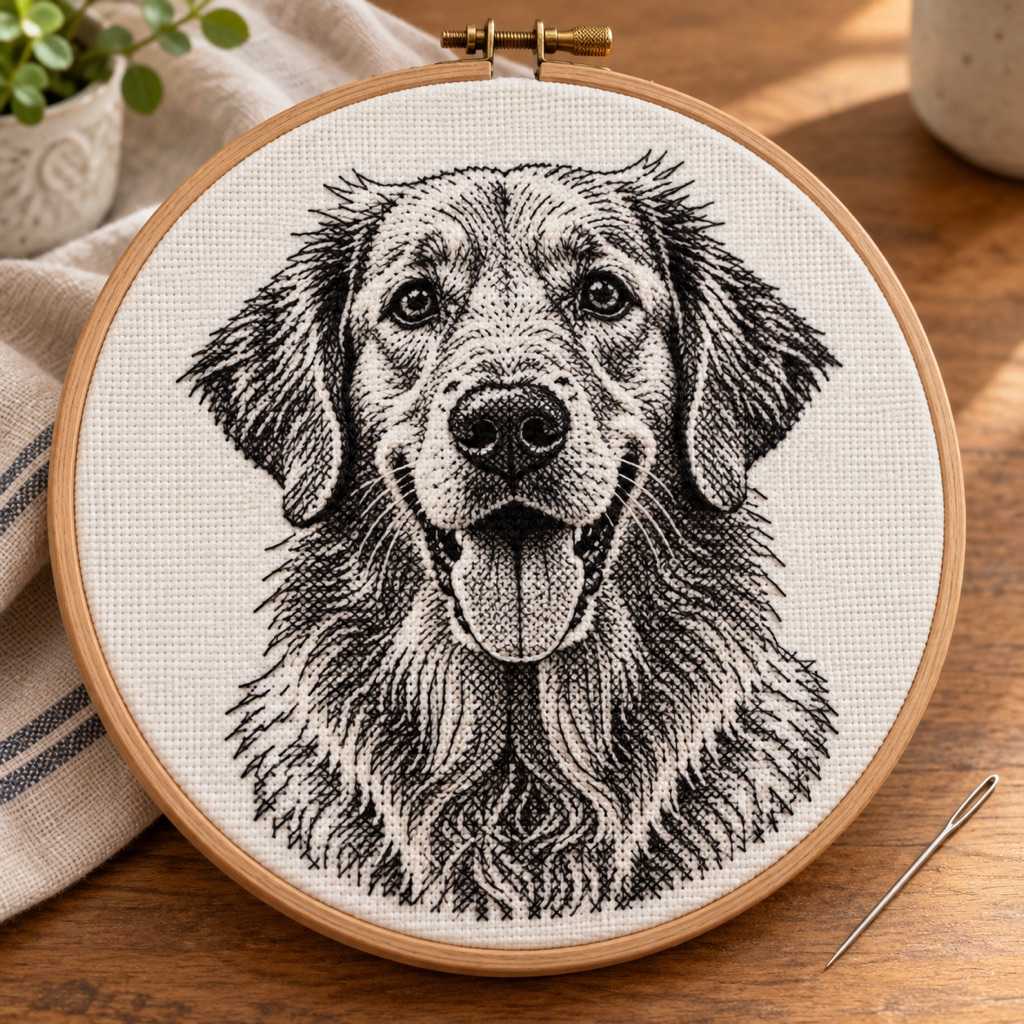
Turn any image into a counted blackwork chart: black thread and geometric fills, free to generate and preview.
Free to use · No sign-up
How it works
Upload Image
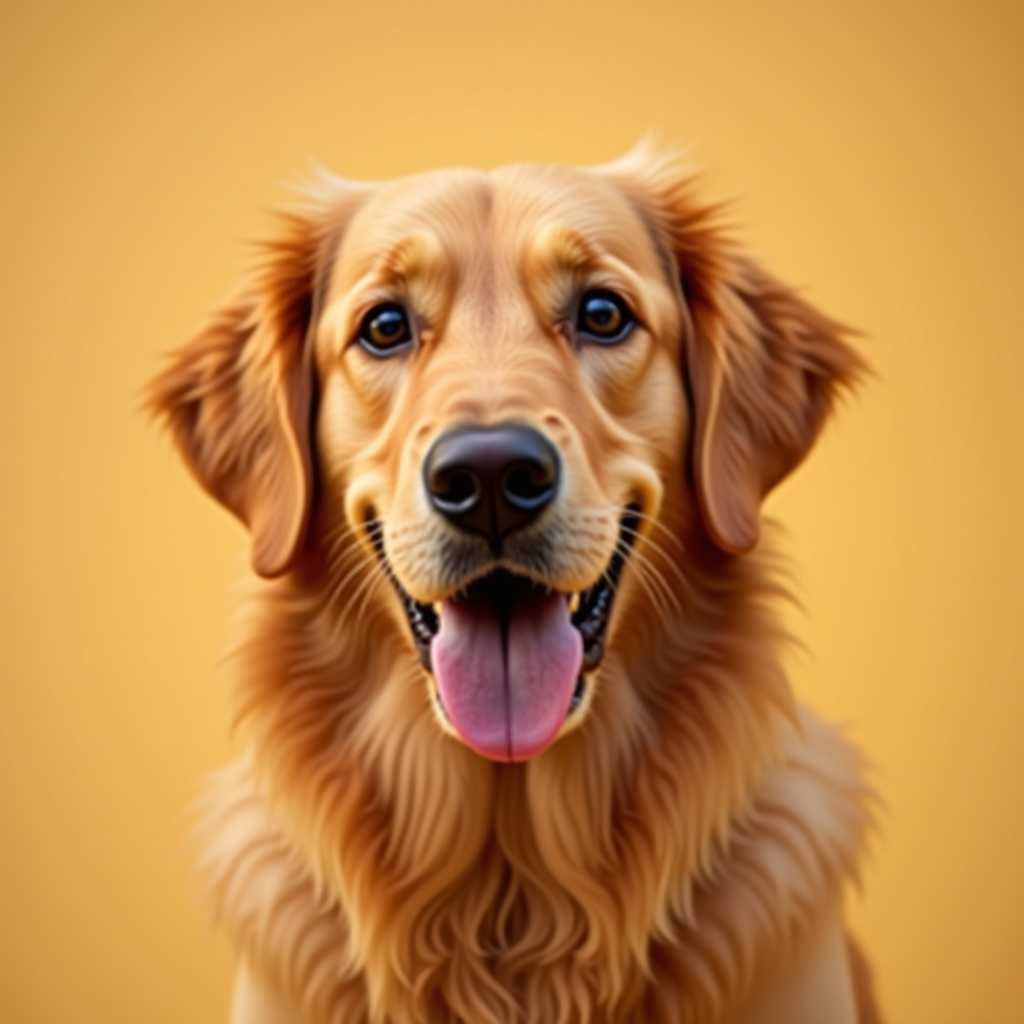
Start with bold artwork, tattoo references, florals, animals, or simple geometric ideas that still read clearly in monochrome.
Set Detail Level
Choose grid size, thread count, and a low color count so the design stays blackwork-friendly instead of drifting into full-color cross-stitch.
Preview the Chart
Check the grid, density, and line structure before you commit. This is where you see if the design feels elegant enough to stitch.
Export When Ready
Use Pro when you need PNG or PDF export, saved patterns, and a chart that is ready for real stitching instead of just testing.
Built for Counted Blackwork, Not Generic Color Charts
The current engine is strongest when the image is simplified into clean contrast, repeating fills, and line-led structure.
Counted Thread Workflow
Blackwork still lives on a counted grid. You can work with fabric count, DMC thread planning, and a chart that feels closer to real counted embroidery than a generic image trace.
Low-Color by Default
The generator starts with a tighter, monochrome-friendly setup so the result stays closer to blackwork logic instead of exploding into dozens of thread colors.
Good for Geometric Fills
Geometric blackwork patterns, borders, medallions, and repeating shapes usually convert far better than busy photographic scenes. The cleaner the shapes, the better the chart reads.
Elizabethan-Inspired Direction
If you want an Elizabethan blackwork feel, start from florals, animals, heraldic forms, or strong ornamental silhouettes, then keep the palette minimal and the grid disciplined.
Useful for Tattoo Reference
Blackwork tattoo references can be simplified into stitch-ready charts when the source art already has strong contrast and a clear line rhythm.
Project-Ready Export in Pro
The free preview is enough to test the idea. Pro is for when the pattern is ready to save, print, and take into a real stitching project.
What Kind of Blackwork Patterns Work Best
The strongest blackwork patterns start from shapes that still feel intentional after they are reduced to a counted grid. Geometric motifs, borders, ornaments, medallions, florals, insects, frogs, birds, and tattoo-inspired silhouettes all translate better than complex full-scene photos.
If the source image depends on soft color gradients or realistic shading, the result stops feeling like blackwork and starts feeling like a compromised monochrome chart. That is why low-color setup matters so much here.
This generator is best used as a blackwork pattern maker for chart structure, counted spacing, and project planning. It is not pretending to replace hand-drafted historical blackwork books, but it gets you much closer to a usable stitched layout than starting from scratch.
How to Get Better Results from the Generator
Keep the color count low, push contrast if the source is muddy, and favor images with strong negative space. That gives the engine a better chance of creating a chart that feels crisp rather than noisy.
Use smaller motifs first. A geometric blackwork pattern or a simple frog blackwork pattern usually survives conversion better than a large complicated scene. Once the motif works, scale it into a fuller project.
Generate and preview for free, then upgrade only when you want the PNG/PDF export, saved project, and printable chart pack that make the pattern worth stitching for real.
Blackwork Pattern Generator FAQ
Yes. Geometric motifs, repeating fills, borders, and ornamental shapes are some of the best inputs because they already match the logic of counted blackwork.
Yes, especially for florals, animals, decorative motifs, and other high-contrast ornamental references. Keep the palette minimal so the result stays elegant and stitchable.
It can, as long as the source art already has strong contrast and readable shapes. Bold tattoo references usually convert better than highly textured grayscale art.
You can generate and preview patterns for free. Upgrade when you need PNG or PDF export, saved projects, and a more production-ready chart workflow.
It solves a different problem. Books are still great for curated historical motifs. This tool is for turning your own image, motif, or reference into a counted chart faster.
Related Counted-Thread Pages
Embroidery Pattern Generator
Broader counted embroidery workflow with DMC colors, backstitch, and printable chart export.
Cross-Stitch Pattern Generator
Compare a fuller counted color chart workflow against a more minimal blackwork-oriented setup.
DMC Thread Calculator
Estimate thread and skeins once the blackwork chart size and density feel right.