Turn Any Photo, Picture, or Image Into a
Crochet Pattern
Upload any photo, picture, or image — pet, portrait, landscape, or artwork — and get a crochet pattern from image in seconds. SC graphghan, C2C, or tapestry crochet. Correct stitch ratios, yarn estimates, confetti reduction. Free.
Drop a photo to start
or tap to upload · PNG, JPG, WebP
Free to use · No sign-up · Works in your browser
Thousands of photos turned into crochet blanket patterns
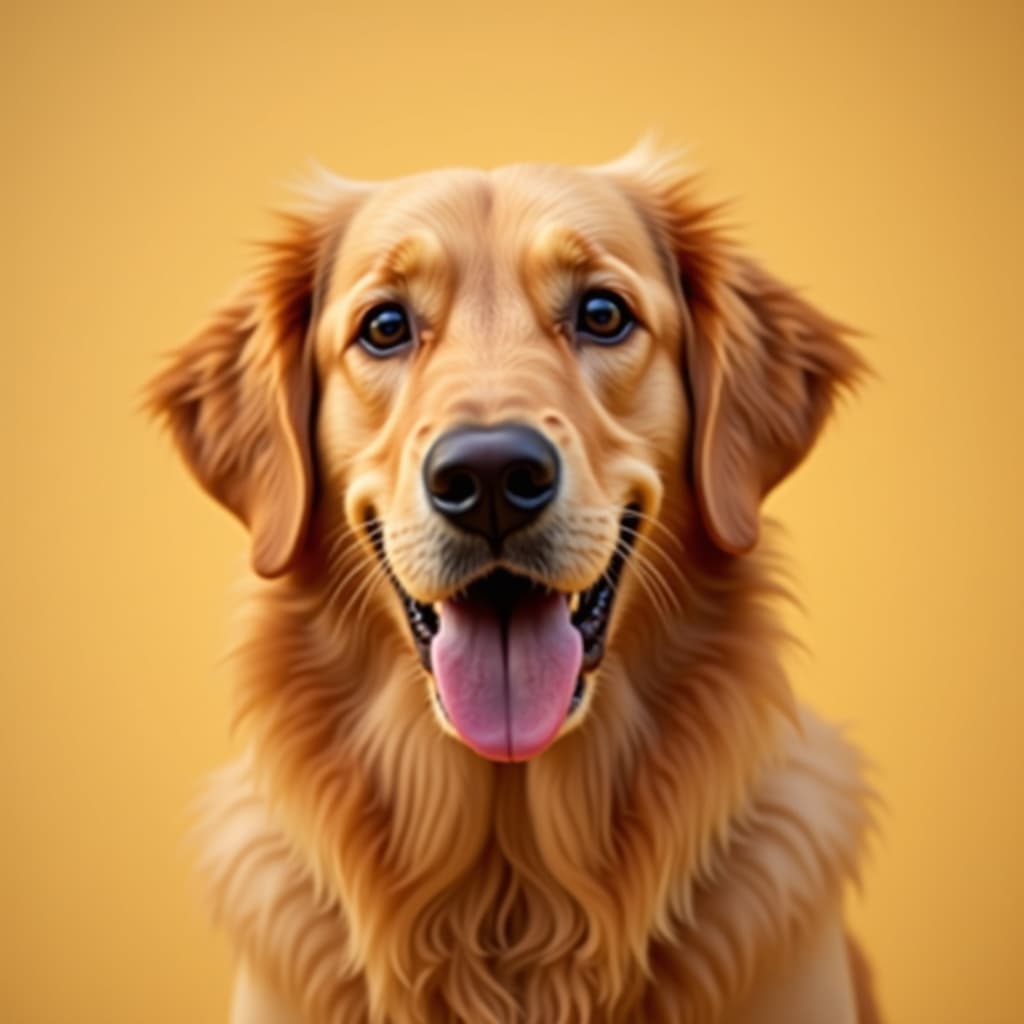
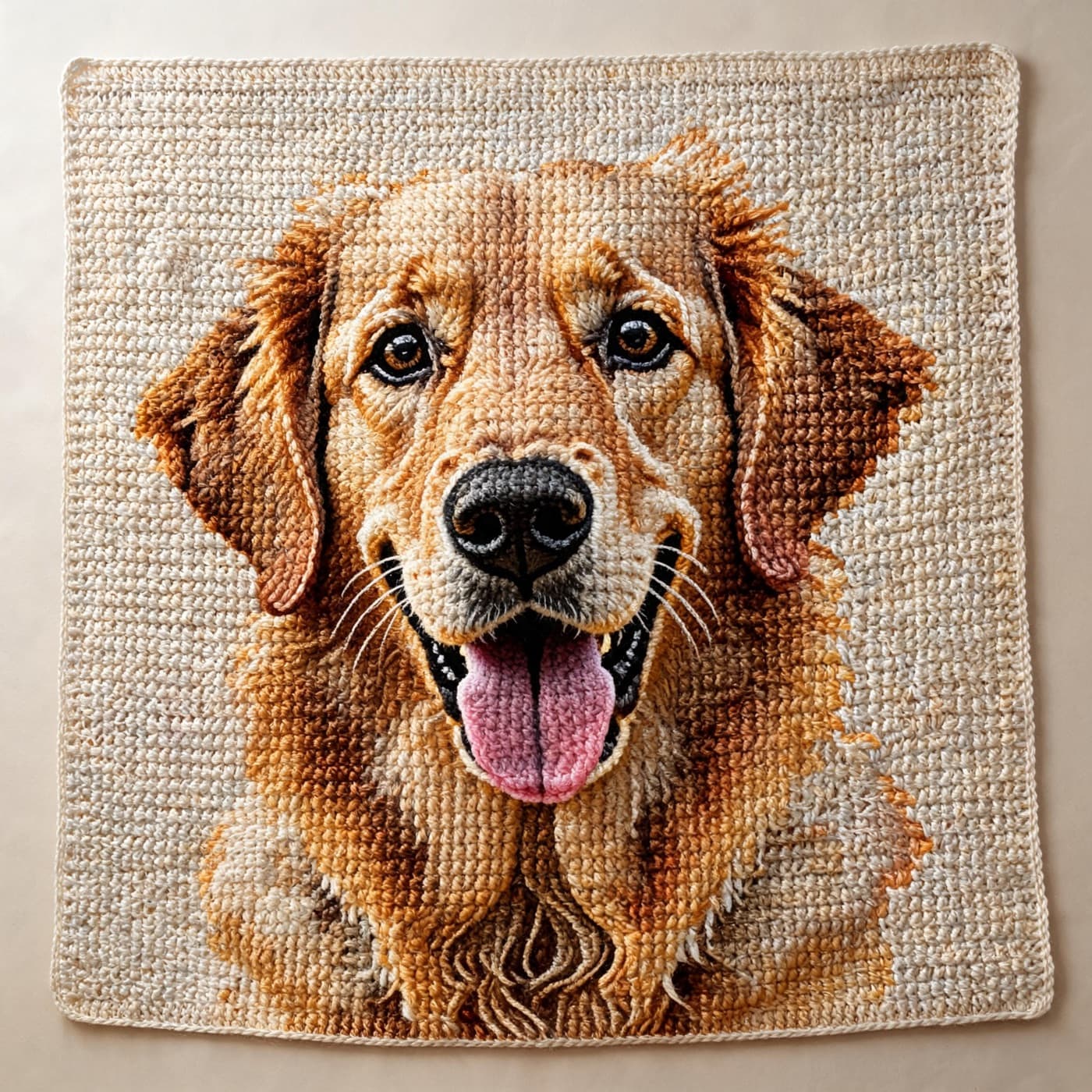
How it works
Upload Your Photo
JPEG, PNG, or WEBP. Best results: close-up subject with a plain or blurred background. Crop tightly to your subject. For dark photos (black dogs, dark cats), boost brightness and contrast in the sliders before generating.
Choose Stitch Type and Grid Size
SC for graphghan blankets (most detail, 1.2:1 ratio applied). C2C for corner-to-corner (0.7:1 ratio — wider-than-tall DC clusters). HDC for faster work. Grid width sets the stitch count: 120 wide = 75cm finished at worsted weight gauge.
Set Colors and Confetti Reduction
12–16 colors for most photos. Set confetti reduction to Medium to eliminate isolated single-stitch color changes. Preview instantly — adjust brightness, contrast, and color count until the pattern reads cleanly.
Preview and unlock the chart
Free: full browser preview. Pro ($4.99/mo): HD PNG + PDF with color legend, per-color yarn estimates in meters and skeins, and 50×50-stitch section pages for large blankets.
Getting From a Photo to a Stitchable Chart
The photo itself is the biggest variable in how clean your crochet chart turns out — here's what to check before and after you upload.
What Makes a Photo Convert Well
A tightly cropped subject with a plain or blurred background converts far more cleanly than a busy scene — the generator has fewer competing colors to sort into your yarn palette. If your photo has a cluttered background, crop it out before uploading rather than trying to fix it with color settings afterward. Pet photos taken at eye level, facing the camera, read better than photos taken from above.
Fixing Dark or Washed-Out Photos
Dark pet photos (black cats, dark fur) are the single most common reason a first attempt looks like a blob. Boost brightness +15–25 and contrast +20–30 before generating — the live preview updates instantly so you can see the fur separate into distinct tones instead of collapsing into one color. Flat, overexposed photos need the opposite: raise contrast alone to sharpen the color boundaries.
Iterate Before You Commit to Yarn
Because this is a converter, not a one-shot export, you can re-run the same photo with different crop, brightness, and color-count combinations in seconds and compare results side by side. Most people land on their final settings after 3–4 quick passes — check the preview after each change rather than guessing at the right numbers upfront.
From Photo to Yarn Shopping List
Once a version of the chart looks right, the stats panel converts it directly into a shopping list: meters per color and skeins to buy at your chosen yarn weight, including the extra yarn that scattered small patches use up. You get this list from the same photo you uploaded — no separate yarn-calculator step needed.
Proportions Match Your Original Crop
Whatever aspect ratio you crop your photo to, the generator applies the correct stitch ratio for your chosen technique (SC, HDC, DC, C2C) so the finished blanket keeps that same proportion — a round face in your photo stays round in yarn, without you doing any manual math on chain counts.
Built for Pet and Portrait Photos Specifically
Pet fur and skin tones are where photo-to-pattern conversion most often goes wrong — warm browns, tan-to-olive ranges, and near-black shades get flattened by simpler converters. CIEDE2000 color matching (the same standard used across ArtPatt) keeps these gradients distinct, which matters most on exactly the kind of photos people convert to crochet: pets and portraits.
SC Graphghan vs C2C vs Tapestry: Choosing Your Technique
SC graphghan is the right choice for photo portraits. Single crochet produces a flat, even fabric where each stitch is nearly square (with the 1.2:1 ratio applied). At worsted weight, you get 16 stitches per 10cm — enough resolution for a recognizable pet face at 100+ stitches wide. The downside: SC is the slowest technique per square centimeter. A 120×150 blanket is 18,000 stitches — typically 40–100 hours. It's a commitment, but the result is a photographic-quality portrait at blanket scale.
C2C (corner-to-corner) works diagonally — each 'stitch' is actually a 3-DC cluster worked into the corner of the previous cluster. The diagonal orientation produces naturally sharp diagonal color edges and a slightly different visual texture than SC. C2C is faster than SC and the diagonal joins give it structural rigidity. The 0.7:1 DC ratio means C2C is wider-than-tall — a 100×100 C2C blanket is wider than it is tall. ArtPatt applies this ratio correction automatically so your starting chain count produces the correct finished proportions.
How Many Colors Is Right for Your Project?
The color count determines both pattern complexity and yarn cost. Each unique color = one yarn purchase + one bobbin to manage per row. For a lap blanket at 12 colors and $9 per skein average, yarn cost is roughly $80–120. At 16 colors it's $110–160. At 20 colors it's $140–200. Beyond 16 colors, the row-by-row color management becomes demanding — at any point in a row you may need to pick up 8–12 separate bobbins in sequence. Most experienced graphghan makers cap at 14–16 colors for this reason.
Start with 12 colors and look at the preview critically. If the image looks flat and blobby with no gradient detail, increase to 15 or 16. If the pattern looks cluttered and busy with many tiny patches, reduce to 10. For pets: 12–15 is the sweet spot for most cats and dogs. For portraits of people: 14–18 captures skin tone gradients. For bold geometric designs or logos: 4–8 colors is often enough and dramatically easier to stitch.
Testimonials
Photo to Crochet Success Stories
Photo to Crochet Pattern FAQ
Related Crochet Pattern Tools
Graphghan Pattern Generator
Full guide to SC graphghan blankets from photos — sizing, colors, yarn estimates.
C2C Crochet Pattern Generator
Corner-to-corner DC cluster patterns with correct 0.7:1 ratio correction.
Tapestry Crochet Pattern Generator
2–6 color carried-yarn patterns for bags, baskets, and wall hangings.
Crochet Yarn Calculator
Calculate yarn requirements by stitch type, gauge, and blanket dimensions.
Pet Portrait Pattern Generator
Specialized pet photo conversion with CIEDE2000 fur color matching.
Crochet Blanket Size Calculator
Find finished dimensions from grid size and gauge.