ArtPatt vs Stitch Fiddle vs Pic2Pat: Cost, Palette, Export
Quick Answer
What the three tools actually publish about price, photo upload, thread palettes and exports — and which one to pick for a photo, a hand-drawn chart, or a fast free chart.
Which of the Three to Use
Converting a photo and you want thread numbers, adjustable settings and a printable PDF: ArtPatt, free to generate, adjust and preview in the browser with no account, paid only when you export the files. Drawing or editing a chart cell by cell, or working across knitting, crochet, cross stitch and bead crafts in one editor: Stitch Fiddle, though photo upload sits on its paid plan. Want a chart from a photo in three steps with nothing to learn and nothing to pay: Pic2Pat, which also tells you which floss colors and how many skeins the pattern needs. The rest of this comparison is the evidence behind those three sentences.
What We Checked, and What We Did Not
For Stitch Fiddle and Pic2Pat we recorded only what their own sites state: price, what the free plan covers, whether an account is needed, which features are gated, what you can export, and the limits they publish. We do not claim any verdict on how another tool matches color internally. No competitor publishes its matching method, nobody outside those teams can inspect it, and a comparison that invents test results for other people's software is not worth reading. Claims about ArtPatt come from the product itself. Where a figure could not be confirmed on a vendor's own page, it is not in this article.
ArtPatt — Free to Convert and Preview, Paid to Export
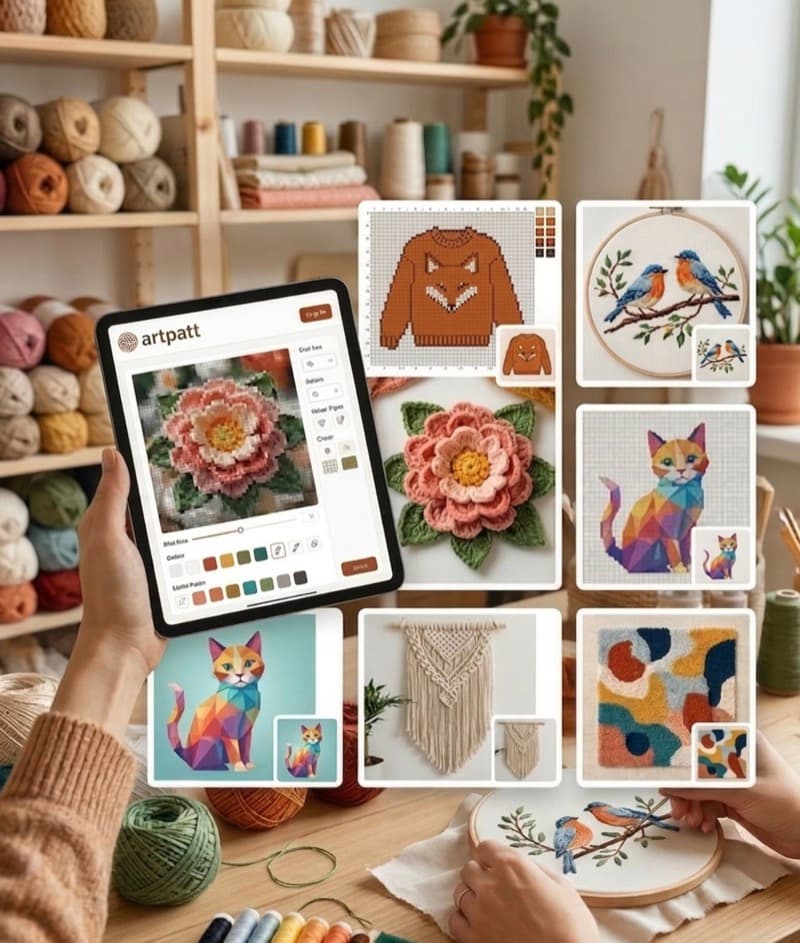
Cost: the free tier is one pattern project with no account, generated, adjusted, edited and previewed in full. Exports are paid — $2.99 unlocks the HD PNG and printable PDF for a single pattern, Pro is $6.99/month or $39.99/year for unlimited projects and exports. Palette: 489 DMC colors and an Anchor map, matched with CIEDE2000, the perceptual color-difference formula, rather than raw RGB distance. Controls: brightness, contrast, saturation and dithering before generation, confetti reduction in four steps (Off, Light, Medium, Heavy), automatic backstitch edge detection, per-stitch aspect ratio correction so a chart meant for crochet or knitting is not treated as a square grid, and a chart editor with brush, fill, shapes, text and symmetry for fixing individual cells afterwards. Output: per-color thread lengths and skein counts on screen, and a printable PDF split into 50x50-stitch sections with a symbol legend and DMC numbers. 16 craft types run from the same upload, all on the free tier except amigurumi. Honest weakness: free means one project and free to preview, not free to print. Keeping patterns across devices needs an account, there is no offline desktop app, and no .oxs interchange with other chart software.
Stitch Fiddle — The Editor, With Photo Upload on Premium
Cost: the free plan covers 15 charts, up to 300x300 stitches and 50 colors or symbols per chart, and is described as free forever. Premium is EUR 4.50 per month or EUR 27 per year, stated as a one-time payment with no automatic renewal, and raises the limits to unlimited charts, 1000x1000 stitches and 250 colors. Gating that matters if you arrived with a photograph: picture upload with custom colors is a Premium feature, and so is export to PDF, SVG, Word and Excel. Crafts: its own site lists crochet, cross stitch, knitting, diamond painting, fuse beads, pixel macrame, latch hook, quilt, Pixelhobby and pixel art — this is not a cross-stitch-only tool. Palette: its cross-stitch page lists DMC (489 colors), Anchor (445) and Madeira Mouline (379), plus your own colors on Premium. Account: required, with cloud storage of your charts. The editor is the reason to be here: layers, copy and paste, mirror and rotate, error checking, written instructions and collaboration. Honest weakness: the free plan will not convert your photo at all, no automatic confetti reduction is advertised on either plan, so a busy photograph still needs cleaning by hand.
Pic2Pat — Three Steps and a Skein Count
Cost: the site presents the converter as free, with no payment step mentioned. Account: none mentioned; it runs in the browser and accepts images up to 18 MB. Settings: the size of the artwork and the number of stitches per inch. Output: the finished chart downloads to your computer and is stored there, so reprinting does not mean returning to the site, and the pattern reports which floss colors it needs and how many skeins of each. That last point is worth saying plainly, because it is the one place in this trio where a free tool matches what our paid PDF does: Pic2Pat gives you a shopping quantity for nothing. Honest weakness: minimalism cuts both ways. Two settings is the whole interface, it advertises no confetti control, no backstitch detection, no image adjustment before conversion and no editing afterwards, so a detailed photograph converts as-is.
Cost, Upload, Export and Account Side by Side
Converts a photo for free: ArtPatt (one project, preview free, files paid) and Pic2Pat. Paid before a photo converts at all: Stitch Fiddle. Account required: Stitch Fiddle only. Named thread palette: ArtPatt (489 DMC, Anchor); Pic2Pat reports floss colors and skeins without naming the system; Stitch Fiddle names DMC (489), Anchor (445) and Madeira Mouline (379) on its cross-stitch page and puts custom colors on Premium. Printable PDF: ArtPatt on the $2.99 unlock or Pro, Stitch Fiddle on Premium, Pic2Pat as a downloadable chart. Thread quantities: ArtPatt per color on screen and in the PDF, Pic2Pat as a skein count, Stitch Fiddle not advertised. Edit individual cells after generating: ArtPatt and Stitch Fiddle. Published confetti reduction: ArtPatt only. Recurring price: ArtPatt $6.99/month or $39.99/year plus a $2.99 single pattern; Stitch Fiddle EUR 4.50/month or EUR 27/year; Pic2Pat none stated.
Crochet and Knitting: What Changes Between These Tools
All three produce colorwork charts you can crochet or knit from, and Stitch Fiddle covers both crafts in its editor. Two differences are checkable rather than a matter of taste. ArtPatt applies a per-stitch aspect ratio, so the grid it generates accounts for the fact that a single crochet row and a stockinette row are not square; a chart built on a square grid stitches out shorter or taller than the picture unless you adjust it yourself. And ArtPatt is the only one of the three that publishes an automatic confetti reduction step, which is what turns a photograph full of isolated single stitches into rows you can work without changing yarn twenty times. If your design is geometric and drawn by hand rather than derived from a photo, neither difference applies and Stitch Fiddle's editor is the better place to work.
Cross-Stitch: DMC Numbers and Backstitch
For cross stitch the legend is the product — a chart is only as useful as the thread numbers on it. ArtPatt matches to 489 DMC colors or to Anchor, using CIEDE2000, which models perceived color difference rather than numeric RGB distance. That matters most where colors sit close together: skin, fur, shadow and foliage, which is exactly what people want to stitch. ArtPatt also generates backstitch outlines from edges detected in the original photo. Stitch Fiddle's cross-stitch page lists the same three brands the paid tools do — DMC (489), Anchor (445) and Madeira Mouline (379) — plus custom colors, which is one more system than we offer, though a photo has to reach the chart on the Premium plan first. Pic2Pat names the floss colors and skein counts a pattern needs without publishing the system behind them. If you buy by DMC number, check that a tool gives you numbers you can shop from before you pay it anything.
What Makes a Generated Pattern Usable
Judge any generator on your own photo rather than on anyone's comparison table, this one included. Four things decide whether a chart is pleasant to work. Does a face stay a face, or do the mid-tones collapse into one flat color? Do close greens and near-blacks separate, or merge into a dull block? Pick any 20x20 area of the chart and count the colors that appear once or twice — those single stitches each cost you a thread change. And does the export carry a legend with thread numbers, symbols and quantities, plus numbered sections, so you can find your place again on the third evening? A tool that fails these in a free preview will fail them in the file you paid for.
Picking One and Getting On With It
Use ArtPatt when the source is a photograph and you want to control the conversion: image adjustments, color count, confetti reduction, backstitch, aspect ratio, and a chart editor to fix what is left. Generating and refining costs nothing, so you can judge the result before spending $2.99 on the files. Use Stitch Fiddle when the design lives in your head rather than in a photo, or when you want cloud-stored charts, layers, error checking and collaboration across crochet, knitting, cross stitch and bead crafts — budget for Premium if a photo is involved at any point. Use Pic2Pat when the picture is simple, you want a chart and a skein count in three clicks, and you are not going to pay for anything.
FAQ
Which of the three can I try for free with my own photo?
ArtPatt and Pic2Pat. ArtPatt converts, adjusts and previews a full pattern project with no account and no payment, and charges only for the files ($2.99 for one pattern, or Pro at $6.99/month or $39.99/year). Pic2Pat converts and downloads a chart and presents the service as free. Stitch Fiddle's free plan covers 15 charts of up to 300x300 stitches, but picture upload is a Premium feature, so it will not convert your photo until you pay EUR 4.50 per month or EUR 27 per year.
Can I switch between these tools mid-project without redoing my work?
Not cleanly. The three share no interchange format, and each one assigns colors and sizes the grid its own way, so a chart regenerated elsewhere will not line up with the one you started. If you are part-way into a chart and want a feature another tool has, regenerate from the original photo rather than trying to reconcile two charts.
Which pattern generator should I try first?
Choose the tool based on the project you need to finish. ArtPatt is a practical first test when you want craft-specific conversion, stitch-ratio handling, and a preview before exporting; compare the other tools when their particular grid controls or export workflow better matches your project.
What should I compare before choosing a photo pattern generator?
Compare the maximum grid size, palette control, craft type, symbol readability, export format, and whether the preview shows a realistic finished ratio. A tool that produces attractive colors but ignores crochet or embroidery geometry can still create a difficult pattern.
Related Articles