Free Online Stitch Counter and Row Counter
Click the + button to count stitches as you work, and use the row counter to track which row you are on. Set an optional stitch target to see when your row is complete. Works for knitting and crochet.
Row Counter
0
Stitch Counter
0
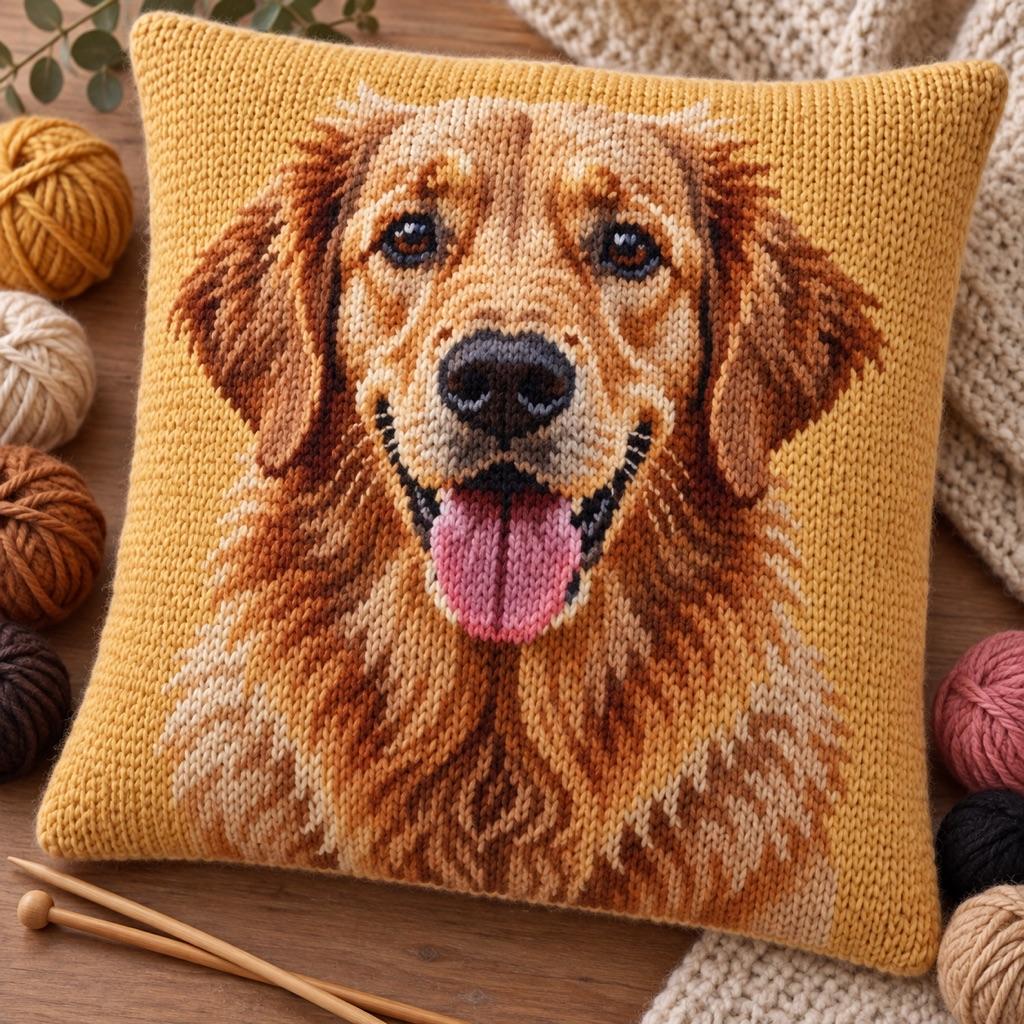
Turn a photo into a real pattern
Turn any photo into a knitting or crochet color chart with row-by-row stitch counts, ready to follow alongside your counter.
Generate a PatternHow to Use a Stitch Counter for Knitting and Crochet
A stitch counter tracks two separate things: the total number of stitches in a row or round, and the total number of rows or rounds completed. Losing count on either one can throw off your stitch count and row shaping — especially in patterns with increases, decreases, or stitch repeats.
For most knitting patterns, the row count determines length. Sweater bodies, hats, and socks all use row counts to hit the correct length before shaping begins. The stitch count within each row matters when your pattern has repeats — if you lose a stitch mid-row, the repeat will not align at the end.
For crochet, rounds and rows work the same way. In the round (hats, amigurumi, granny squares), you count stitches per round to ensure the correct increase rate. For flat crochet (blankets, scarves, garments), you count rows for length and stitches per row to keep edges straight.
Using the Stitch Target to Catch Mistakes Early
The stitch target field lets you enter the expected number of stitches per row. As you tap through each stitch, the counter shows your progress toward that target. When you hit the target number, the counter turns green and shows 'row complete.' At that point, reset the stitch counter and add one to the row counter.
This workflow catches mistakes before you finish the row, not after. If you reach the end of your yarn and the stitch counter reads 22 instead of 24, you know immediately that two stitches are missing — before you have turned the work and discovered the problem several rows later.
For crochet in the round, use the stitch counter for the round's expected count and the row counter for total rounds completed. The same target feature works: enter your round's stitch count, tap through as you stitch, and reset at the end of each round.
Stitch Counter FAQ
Related Tools and Pages
Knitting Gauge Calculator
Convert stitch and row counts to finished knitting dimensions. Useful before starting a project when you need to estimate size.
Cast On Calculator
Calculate exactly how many stitches to cast on from your gauge and desired finished width.
Crochet Gauge Converter
Adjust a crochet pattern's stitch and row counts when your swatch gauge does not match the pattern gauge.
Knitting Pattern Generator
Convert a photo into a knitting chart with color-coded rows and stitch counts per row.
Crochet Yarn Calculator
Estimate how many skeins of yarn you need for a crochet blanket or other project.
Knitting Grid Paper
Generate printable knitting grid paper sized to your stitch and row gauge.