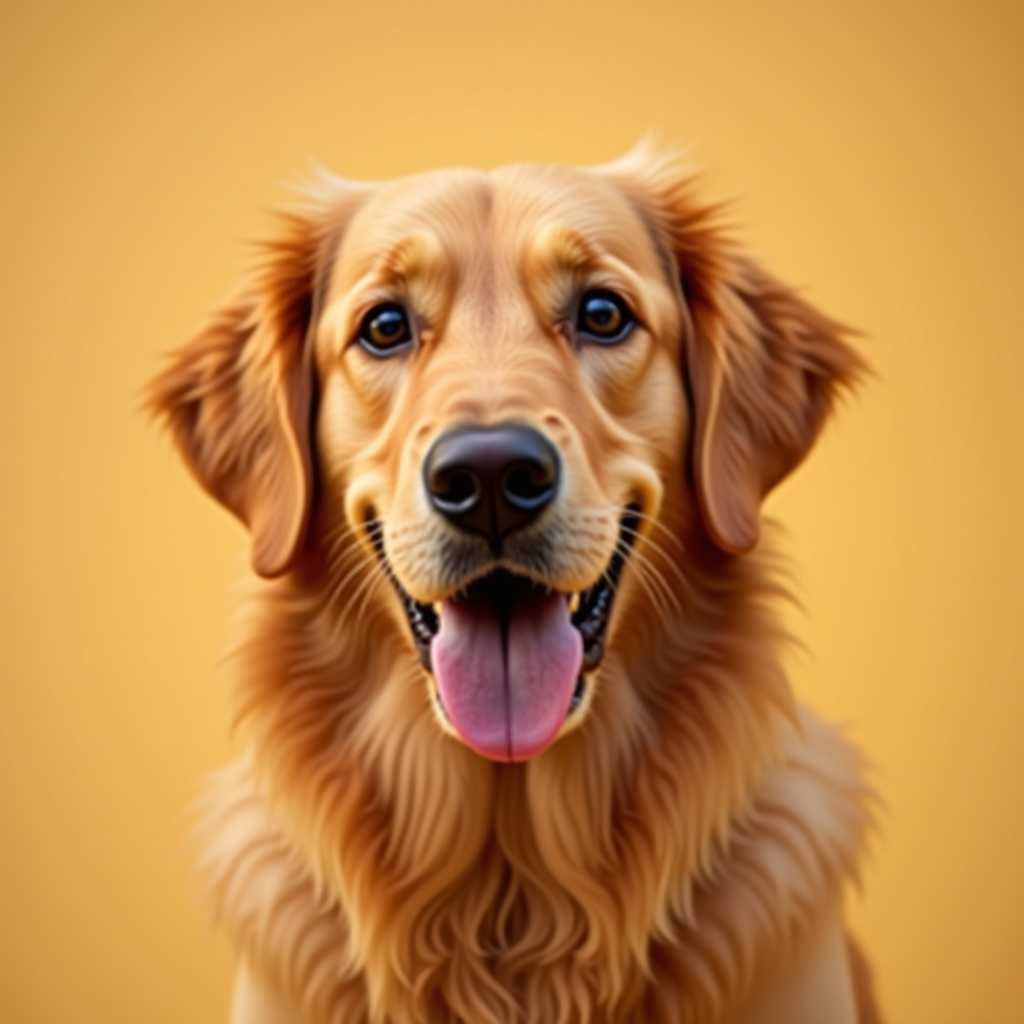
Your photo
Crochet Graph
Maker
Upload a picture or draw on an empty grid — get a crochet graph with a color key, row counts and yarn per color.
Free to use · No sign-up
A crochet graph is a grid where every square is one stitch and every color is one yarn.
What You Get from One Photo
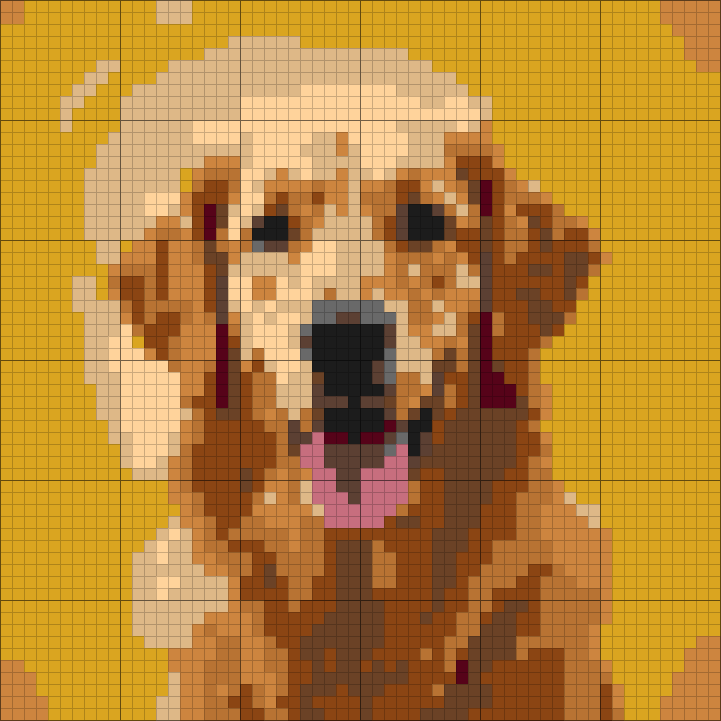
This is the chart ArtPatt made from the photo above: 60 × 60 crochet chart in 12 colors.
Yarn colors matched
Each color in the picture is matched to a yarn shade and listed in the legend.
Written rows, not just a grid
Every row is written out as color runs, so you can work from the list instead of counting squares.
Balls counted per color
Stitch counts are turned into how much yarn each color needs.
Color legend from this chart
- Goldenrod2 balls
- Tan1 ball
- Saddle Brown1 ball
- Copper1 ball
- Peru1 ball
- Walnut1 ball
+ 6 more colors in the full legend
From Crochet Chart to Finished Piece
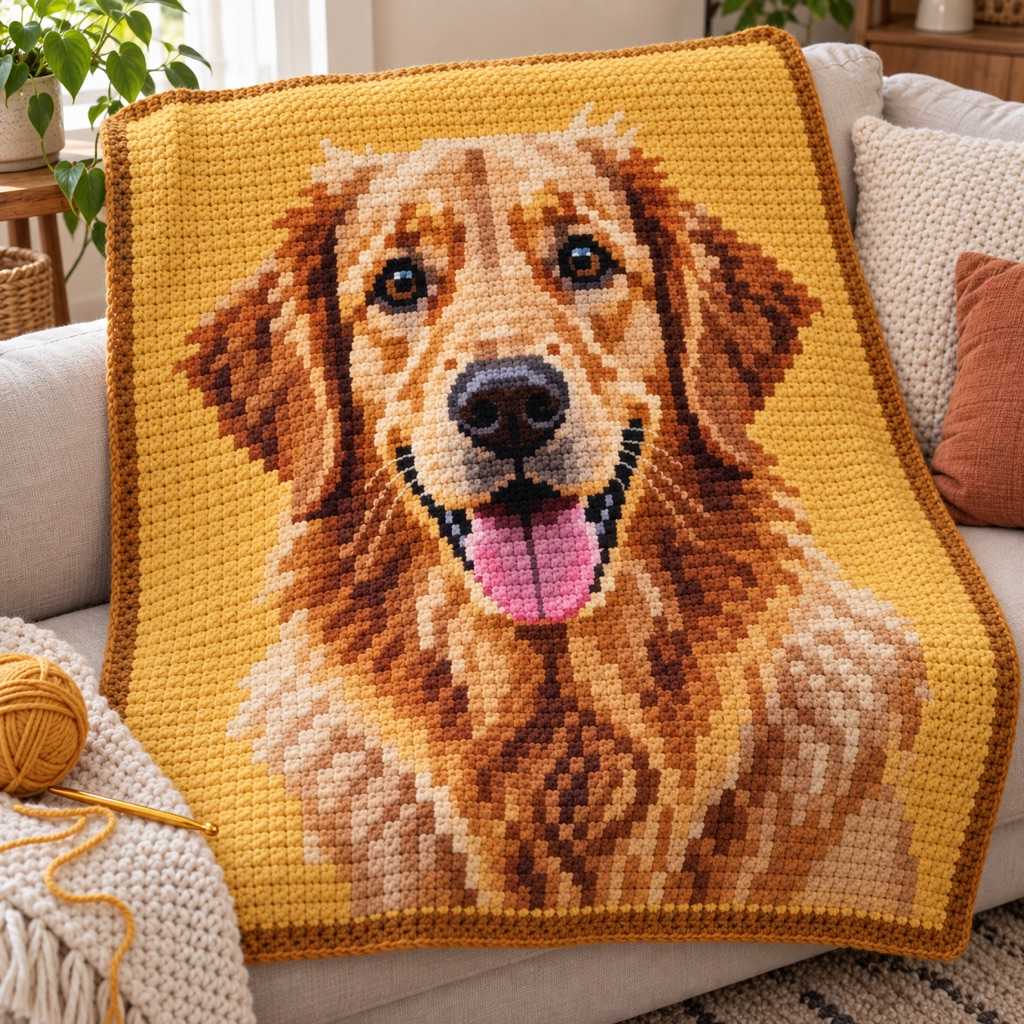
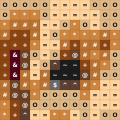
The same few squares, as they sit on the chart and as they look once worked.
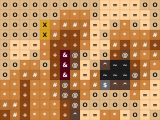
On the chart
- One square, one color, one symbol
- Rows and columns are numbered in the PDF
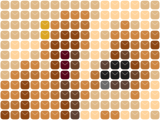
Worked in single crochet
- Each square of the chart is one stitch
- Stitches are wider than tall, and the chart is sized for that
- Carry or change colors where the chart does
How it works
Pick your starting point
Upload a photo, logo or pixel art and the generator builds the graph for you, or open an empty grid if the design is in your head.
Set the width in stitches
Grid width is your stitch count: about 30–50 for a pouch, 60–100 for a pillow front, 100–200 for a blanket. The readout shows the finished size from your gauge.
Choose colors and clean up
Pick 4–8 colors for a graph that is pleasant to work. Raise confetti reduction to merge lone squares into solid blocks, then fix any cell with the pencil.
Check it, then unlock the print
The full graph preview is free. Unlocking gives you the printable PDF with numbered grid, color key and yarn per color, plus an HD PNG.
What a Good Crochet Graph Maker Does
A graph is only useful if you can crochet from it. These are the parts that decide that.
Graph from a Picture
Drop in a photo or drawing and it is mapped onto a grid of stitches with a limited yarn palette. You get an editable graph rather than a locked image, so a wrong cell is one click to fix.
Graph from Nothing
Open a blank grid at the width you want and place squares with the pencil, flood-fill an area or drag a straight line. Undo and redo all the way, and nothing is uploaded.
Stitch Proportions Handled
Crochet stitches are not square, so a picture charted on a square grid comes out squashed once worked. The graph for single crochet is built with the extra rows that keep the picture's shape.
Confetti Reduction
A converted photo is full of single squares in a different color, and each one means changing yarn for one stitch. Confetti reduction merges them into the color around them so rows come out as runs you can actually work.
Real Finished Size
Enter your gauge from a swatch and the graph shows width and height in centimetres and inches while you resize, so you decide the size before you start the first chain.
Yarn Per Color
Each color in the key comes with an amount of yarn, so you know how much of each skein to buy. Swap a color for one from your stash and the key updates.
Crochet Graph, Chart and Pattern: What Is the Difference?
A crochet graph is a grid where one square stands for one stitch and the color of the square tells you which yarn to use. People also call it a crochet chart, a color chart or, for a blanket, a graphghan chart. They are the same thing: you read it row by row from the bottom, right to left on one row and left to right on the next, changing yarn where the color changes.
A graph is different from a written pattern, which spells out every stitch in words, and from a symbol chart, which draws stitches like clusters and picots. A color graph assumes a plain stitch, usually single crochet, and puts all of the design in the colors. That is why it works well for pictures, lettering and pixel art, and why a maker like this one can build it from an image.
Which technique you work the graph in depends on the project. Tapestry crochet carries the unused yarn inside the stitches and suits bags and baskets. Intarsia style graphghans use a separate bobbin for each color block and suit blankets. Corner-to-corner graphs use one square per tile and work up faster at lower resolution. The same graph can be worked more than one way, so choose by how the finished piece will be used.
Getting a Graph You Can Actually Crochet
Start with a design that has clear shapes and strong contrast. Logos, pets with a plain background, lettering and pixel art convert cleanly. Detailed backgrounds and soft gradients turn into noise at stitch resolution, so crop tightly and lower the color count before you generate.
Keep the palette small. Every extra color is another yarn to manage and another end to weave in. Four to six colors suit a bag or pouch, six to ten suit a pillow, and a portrait blanket can justify twelve or more.
Make a small test first. A 40 by 40 graph is a pillow front or a coaster set in an evening, and it shows you whether your tension, your yarn changes and the chart size suit you before you commit to a blanket.
Crochet Graph Maker FAQ
A crochet graph is a grid chart where each square is one stitch and each color is one yarn. You read it from the bottom row up, alternating direction each row, and change yarn wherever the color changes. It is the chart behind graphghans, tapestry crochet bags and most crocheted pictures.
Upload the photo, set the width in stitches, pick the number of colors and generate. The graph appears as a grid you can edit. Raise confetti reduction if it looks speckled and lower the color count if it feels too busy.
Yes. The Draw button opens an empty grid at the size you choose, with pencil, fill and line tools, undo and redo. You do not need an account or an upload.
The width is your stitch count. Around 30–50 stitches for a pouch, 60–100 for a pillow front, 100–200 for a blanket. Enter your gauge and the maker shows the finished size in centimetres and inches, so you can resize until it fits the project.
Four to six for bags and wearables, six to ten for pillows and wall hangings, more for a portrait blanket. Each color is another yarn to handle and weave in, so fewer colors is usually a better graph to crochet.
For color graphs, yes: chart, graph and graphghan chart are different names for the same grid. For large blankets see the graphghan generator, and for corner-to-corner work see the C2C generator, which sizes the graph for double crochet tiles.
Making the graph, editing it and previewing it in your browser is free. Downloading the printable PDF and HD PNG is the paid part: a one-time unlock for a single pattern, or a subscription if you make many.
More Crochet Chart Tools
Crochet Pattern Generator
The main crochet generator: photo to chart in single, half double or double crochet.
Graphghan Pattern Generator
Blanket-scale graphs with yarn estimates per color and large-grid page splitting.
Crochet Alpha Pattern Generator
Draw a single crochet alpha chart square by square, or convert a photo.
Tapestry Crochet Pattern Generator
Colorwork graphs for bags and baskets, with carried-yarn estimates.
C2C Crochet Pattern Generator
Corner-to-corner graphs worked in double crochet tiles.
Crochet Letter Pattern Generator
Type a name or word and get it as a crochet chart.
Crochet Yarn Calculator
Estimate yarn for any crochet project by stitch and gauge.
Free to Try — Finished Graph from $2.99
Create and refine 1 crochet graph free, with no account required. Upgrade for unlimited projects, PNG/PDF exports, and saved patterns.
Free
Make one pattern free every week.
- 1 free pattern project
- Blank grid with pencil, fill and line tools
- Confetti reduction for clean color blocks
- Finished size from your gauge
- Full graph preview in the browser
- No account required
Tax is added at checkout where it applies.