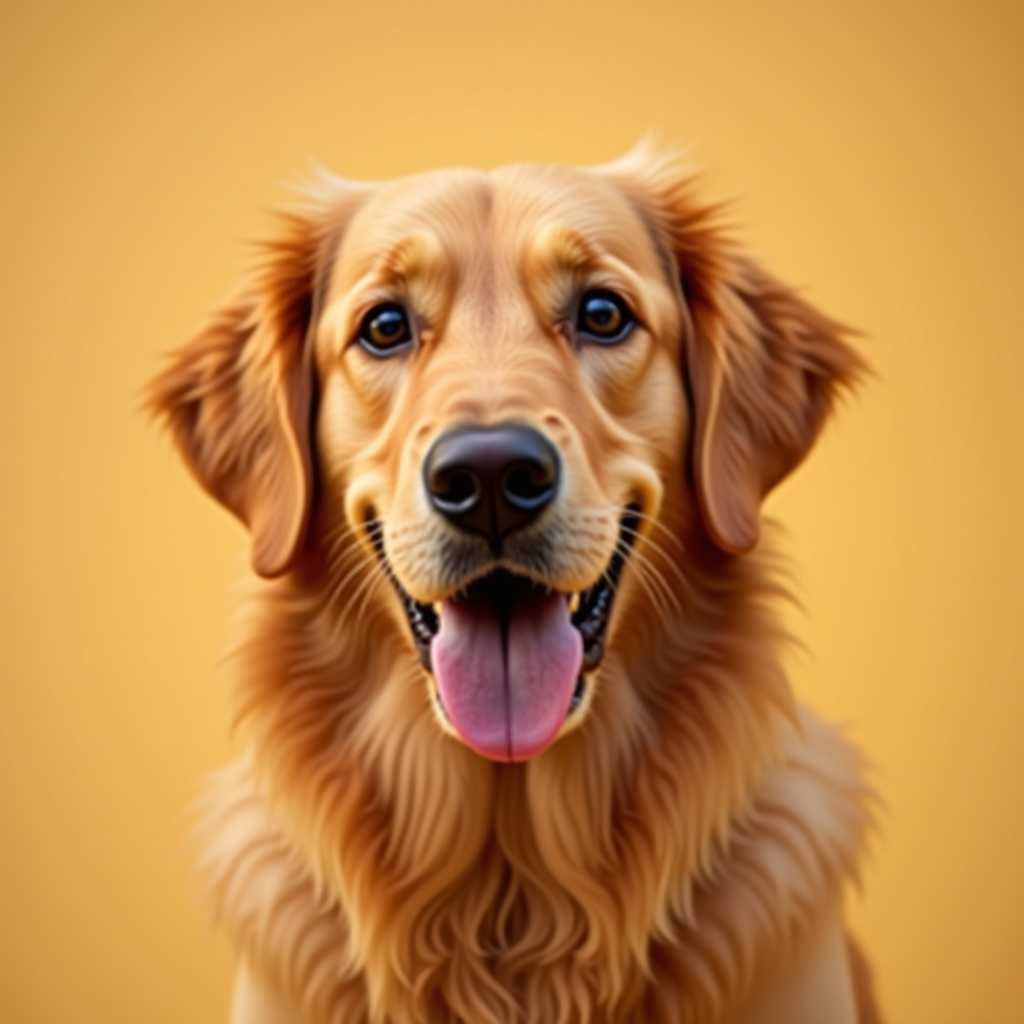
Your photo
Paint by Numbers Generator
From Your Photo
Upload a photo and get a printable paint by numbers template: numbered regions and a color key, free to make.
Free to use · No sign-up
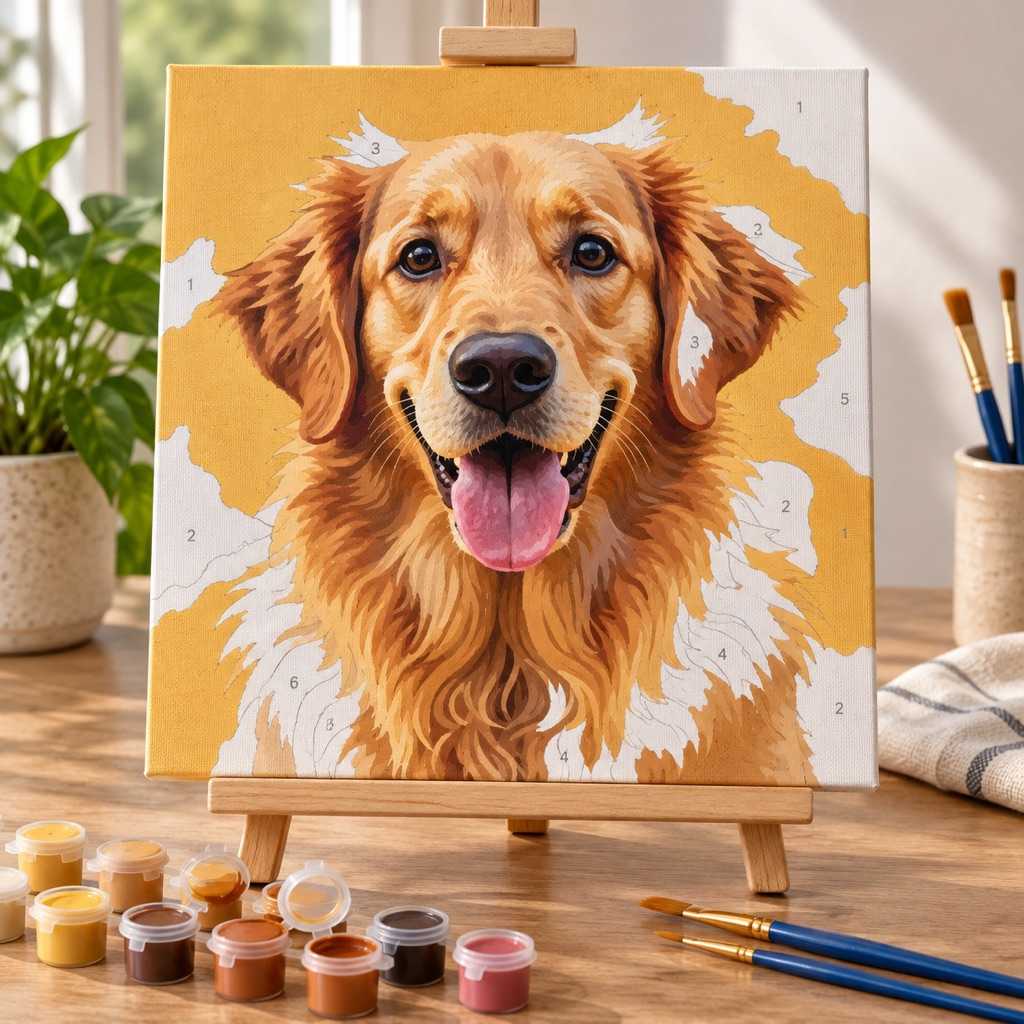
A photo becomes flat blocks of color — the outlines are the pattern, the numbers say which paint goes where.
What You Get: the Template Itself
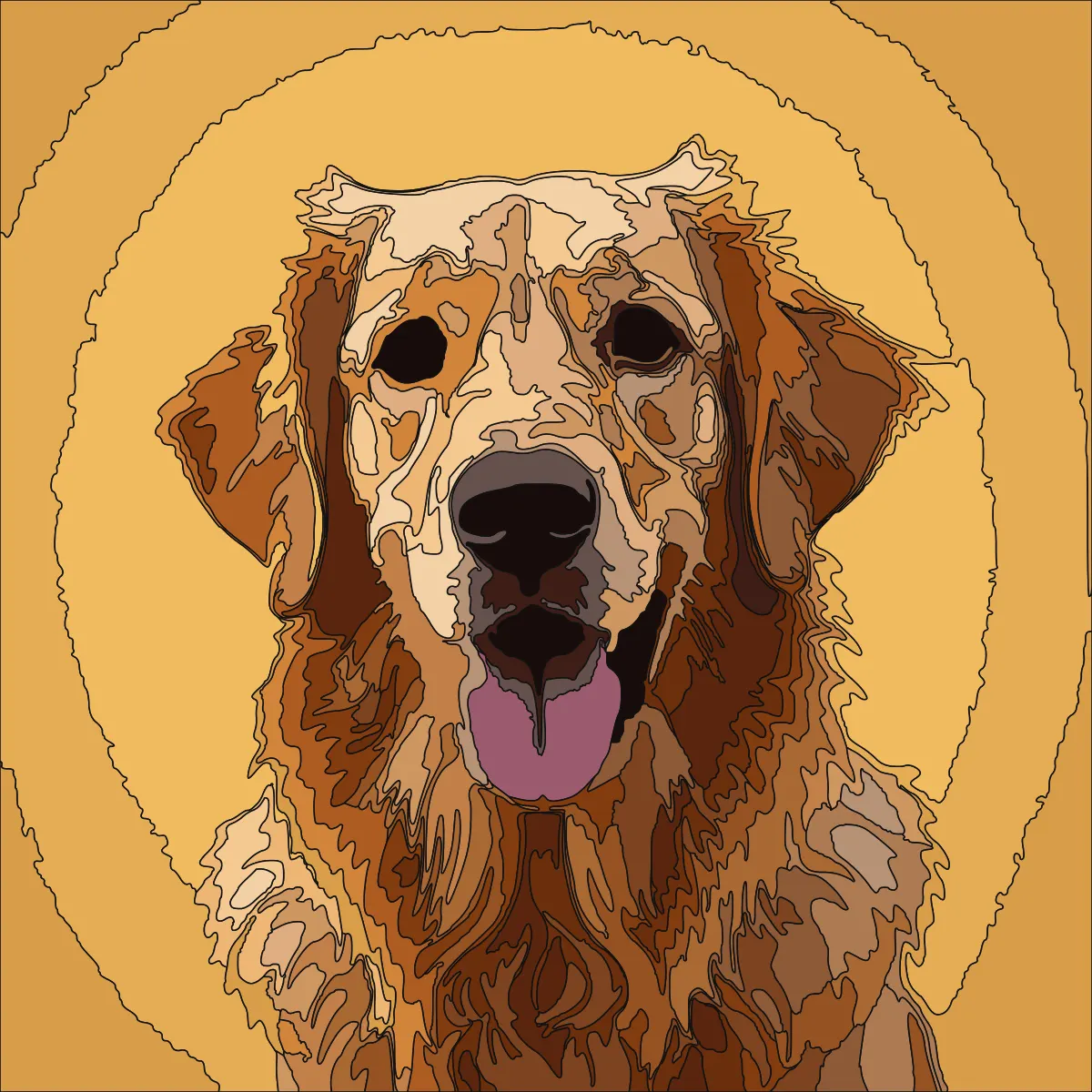
The photo above, run through this generator at A4 with the default 24 colors: 147 numbered pieces and a key, exactly as the PDF prints them.
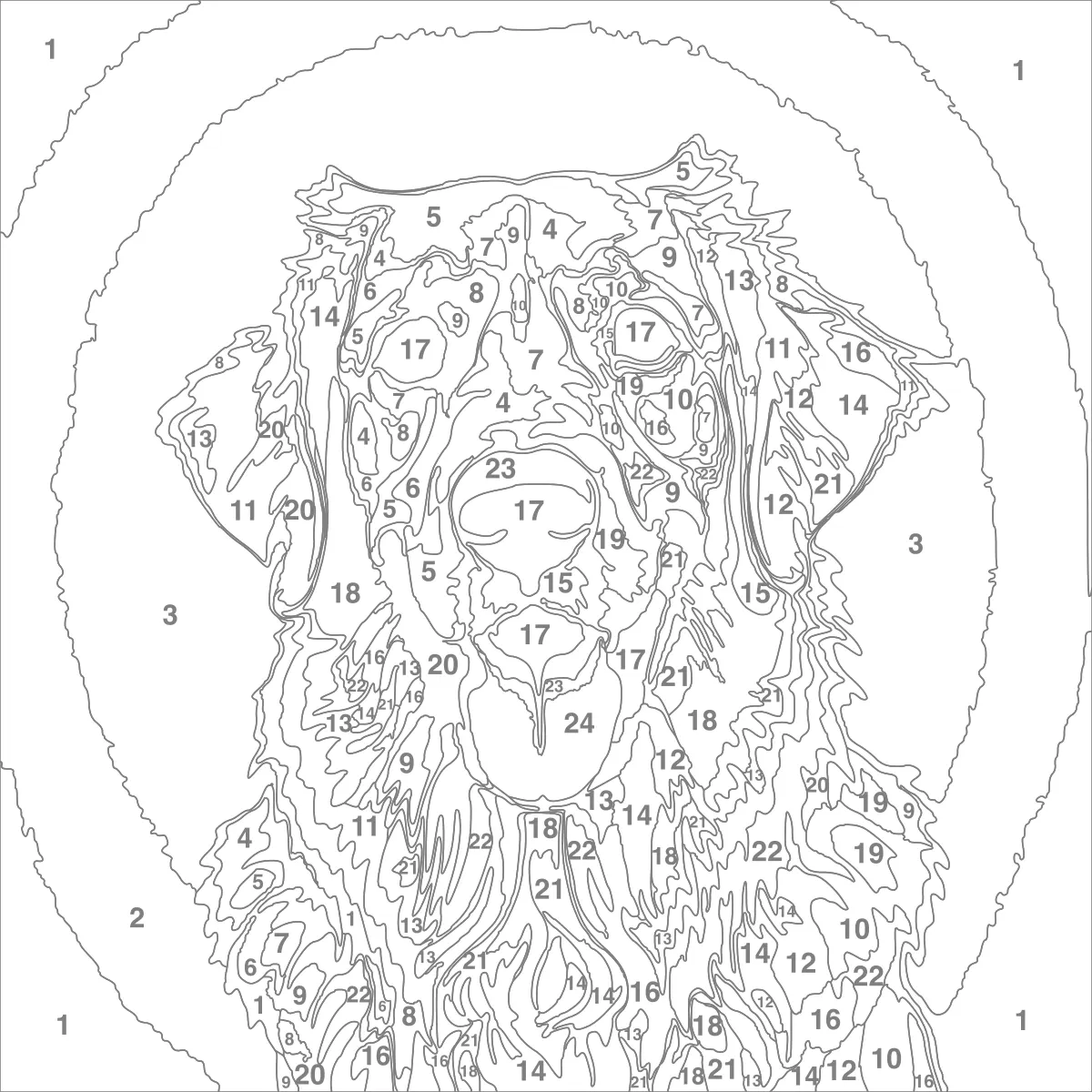
A number in every piece
Nothing narrower than 2.5mm at the printed size survives, so each piece takes a brush and holds its own number.
Grey outlines, not black
Mid-grey lines stay visible under a lamp and vanish under two coats of a pale color, where black ones ghost through.
A key that says how much paint
Each number comes with its color name, how many pieces carry it and the area it covers, so you know which paints you need most of.
Free to preview, $2.99 to print
Make and adjust the template free in the browser. The unlock gives the PDF (template sheets, key, color reference) and the SVG for canvas.
Color key from this template
- Light Orange76 cm²
- Light Orange76 cm²
- Orange41 cm²
- Brown14 cm²
- Brown11 cm²
- Deep Brown11 cm²
+ 18 more colors on the key page
A Template You Can Actually Paint
Most photo-to-paint-by-numbers results fail in the same two ways: regions too small to number, and outlines that do not quite meet. Both are handled here.
Nothing Too Small to Number
Every region is measured in square millimetres at the size you are printing, not in pixels. Anything narrower than 2.5mm across — the width a #2 round brush lays and a two-digit number at 6pt needs — is merged into whichever neighbouring color is closest to it perceptually, along with anything under 15mm² of area. You never get a speck of highlight with a number squeezed half outside it.
Outlines That Meet Exactly
The borders are traced as one connected map rather than region by region, so two neighbouring shapes share the identical line. That is the difference between a template that prints as a clean drawing and one that comes back from the printer with hairline white gaps and every shared edge drawn twice at double weight — a fault that is invisible on screen and obvious on paper.
Vector, Not a Screenshot
The SVG export carries the real print size in millimetres with clean curves, so a copy shop can blow it up to a 60cm canvas and every outline stays a crisp line. A raster template is stuck at whatever size it was rendered; this one is not.
A Color Key Worth Printing
The key page lists each number with its swatch, a readable color name, how many regions carry it, and how many square centimetres of it you will paint — so you can see at a glance which colors you need a lot of before you start mixing.
What Makes a Photo Work as a Paint by Numbers Template
A paint-by-numbers template is a photograph with all of its gradients thrown away. Every soft transition has to become a hard edge between two flat colors, which means the subjects that survive are the ones that were already built out of shapes: a pet or a portrait framed tightly, a flower, a building, a landscape with a strong horizon, a bold graphic. What struggles is anything whose interest lives in fine texture — a crowd, a forest canopy, a lace pattern — because the generator has to either give each speck its own region, which is unpaintable, or merge them away, which erases the thing you liked about the photo.
The color count is the main lever and the one most people set too high. At 24 — the default here, and the smallest palette a boxed kit ships with — a face still reads as a face and each number is one pot of paint you can buy or mix. At 36, the cap, you get more tonal steps but a key page that takes real bookkeeping to work through. Below about 10, the result stops being a copy of the photograph and starts being a poster of it, which is often the better-looking outcome for a bold subject.
Print size matters more than it looks like it should. Every rule this generator applies — the smallest region, the width of the outline, whether a number fits — is expressed in millimetres at the finished size, so choosing A3 instead of A4 does not just print the same template larger: it lets smaller regions survive, and the template genuinely holds more detail. If you plan to paint on a canvas, export the SVG and take the real size with you rather than enlarging a printed sheet.
Paint by Numbers vs Color by Numbers vs a Custom Kit
Paint by numbers and color by numbers describe the same thing — a picture split into numbered regions — and people use the two phrases interchangeably. The only practical difference is what is in your hand. Color by numbers usually means pencils or markers on paper, so a template printed at home is the whole product. Paint by numbers usually means acrylics on canvas, which is why the SVG export matters: the outlines have to be transferred or printed onto the canvas at full size before you start.
A custom kit is the other way of getting here: you send a photo to a seller and a stretched canvas, printed outlines, numbered paint pots and brushes arrive in the post, usually for somewhere between twenty and sixty pounds or dollars. That is a good deal if you want the paints chosen and measured for you. This page is the free half of it: you get the same template — arguably a more honest one, since you can see the result and change the color count before committing — and you buy or already own the paint.
Printing at home is the usual route. The PDF tiles the template across as many sheets as it needs with an overlap margin to tape along, so an A4 printer can still produce a poster-sized template. For canvas, the SVG opens in any vector program and can be printed or plotted at the exact size of the canvas you bought.
Paint by Numbers FAQ
Yes. 1 upload, generation, and full browser preview and all of its edits are free, with no account required. A $2.99 single-pattern unlock gives you the PNG and printable PDF. Pro ($6.99/month or $39.99/year) unlocks unlimited projects, every export, and every other craft generator.
24 is the default and the right starting point for a photograph: it is the smallest palette a boxed kit ships with, enough tonal steps for a face or a pet to read correctly, and every number is still one paint you can buy or mix. Push it to 36 — the cap, the next kit tier up — for a portrait with a lot of skin tones. Drop it to 8 or 10 for a bold subject; the result stops looking like a copy of the photo and starts looking like a poster of it, which is usually the better painting.
Yes. The PDF is built for a home printer: if the template is bigger than one sheet it tiles across several with an 8mm overlap margin to tape along, so an ordinary A4 or Letter printer can still produce a poster-sized template. The same PDF carries the numbered color key and a full-color reference page so you can see what you are aiming at while you paint.
That is what the SVG export is for. It carries the real print size in millimetres, so a copy shop or a wide-format printer can put the outlines straight onto a canvas at full size without any line going soft. If you prefer to transfer by hand, print the template at the canvas size, then trace it through with graphite paper.
Nothing about the pattern — both mean a picture divided into numbered regions, and the two phrases are used interchangeably. The difference is the medium: color by numbers usually means pencils or markers on paper, where the printed template is the finished product, while paint by numbers usually means acrylics on canvas, which is why getting the outlines onto a canvas at full size matters. This generator makes the same template either way.
Because they could not be painted. Every region has to be wide enough to hold its own number and take a brush stroke — at least 2.5mm across at the printed size — so anything narrower is merged into whichever neighbouring color is closest to it. Printing bigger is the fix: the threshold is a physical size, so an A3 template keeps detail that an A4 one has to merge away.
Upload the picture at the top of this page, pick the number of colors and the print size, and the generator flattens the photo into numbered regions with a matching color key. Check the preview, change the color count until the regions look paintable, then download the PDF to print at home or the SVG to print on canvas. The same template works as a color by number with pencils or markers.
It is the custom template without the kit. A kit seller turns your photo into the same kind of numbered outline, prints it on canvas and posts it with paint pots, usually for $20–60. Here you make the template from your own picture, see it before paying anything, and print it yourself on paper or have a copy shop put the SVG on canvas — you supply the paints.
From a photo with clear shapes, yes. The template is the photograph with its gradients removed, so pets, portraits cropped tight, flowers, buildings, and landscapes with a strong horizon convert cleanly. Busy textures — a crowd, a forest, a patterned fabric — either explode into hundreds of unpaintable specks or get merged flat. The browser preview shows you which one you have before you spend anything.
More Photo-to-Pattern Tools
Stained Glass Pattern Generator
The same region engine with thicker lines and cuttable pieces — a panel instead of a painting.
Diamond Painting Generator
The other paint-adjacent craft here: a numbered drill template on a grid rather than in regions.
Cross-Stitch Pattern Generator
The counted-chart side of the site — same photo, a stitch grid instead of painted regions.
Pixel Art Pattern Generator
When you want the pixels kept rather than smoothed into shapes.
ArtPatt Pattern Engine
How the color matching, segmentation, and export pipeline actually work.
All ArtPatt Tools
Every generator, calculator, and reference chart in one place.
Free to Try — Finished Template from $2.99
Create and refine 1 paint by numbers template free, with no account required. Unlock when you want the chart to print and stitch from.
Free
Make one pattern free every week.
- 1 free template project with unlimited edits
- Up to 36 colors
- A4 and A3 print sizes
- Full template preview in the browser
- No account required
Tax is added at checkout where it applies.