Crochet QR Code Pattern Generator
Paste a link and get a crochet QR code chart: one C2C tile per square, or single crochet with the rows sized to your gauge. You get the finished size, stitch counts per color and the rows written out.
Crochet QR code chart
Paste a link or any text and the grid updates to the exact stitch pattern.
- QR code
- Version 2 (25×25 modules)
- With quiet zone
- 29 × 29 modules
- Finished size
- 72.5 × 72.5 cm (28.5 × 28.5 in)
- Tiles — Black
- 326
- Tiles — White
- 515
- Cast on / start with
- 29 × 29 C2C tiles
C2C is worked on the diagonal, so follow the chart rather than written rows: each square is one tile, starting from a corner.
Test it: scan the preview on screen with your phone camera before you start.
Dark BLK Black, light WHT White.
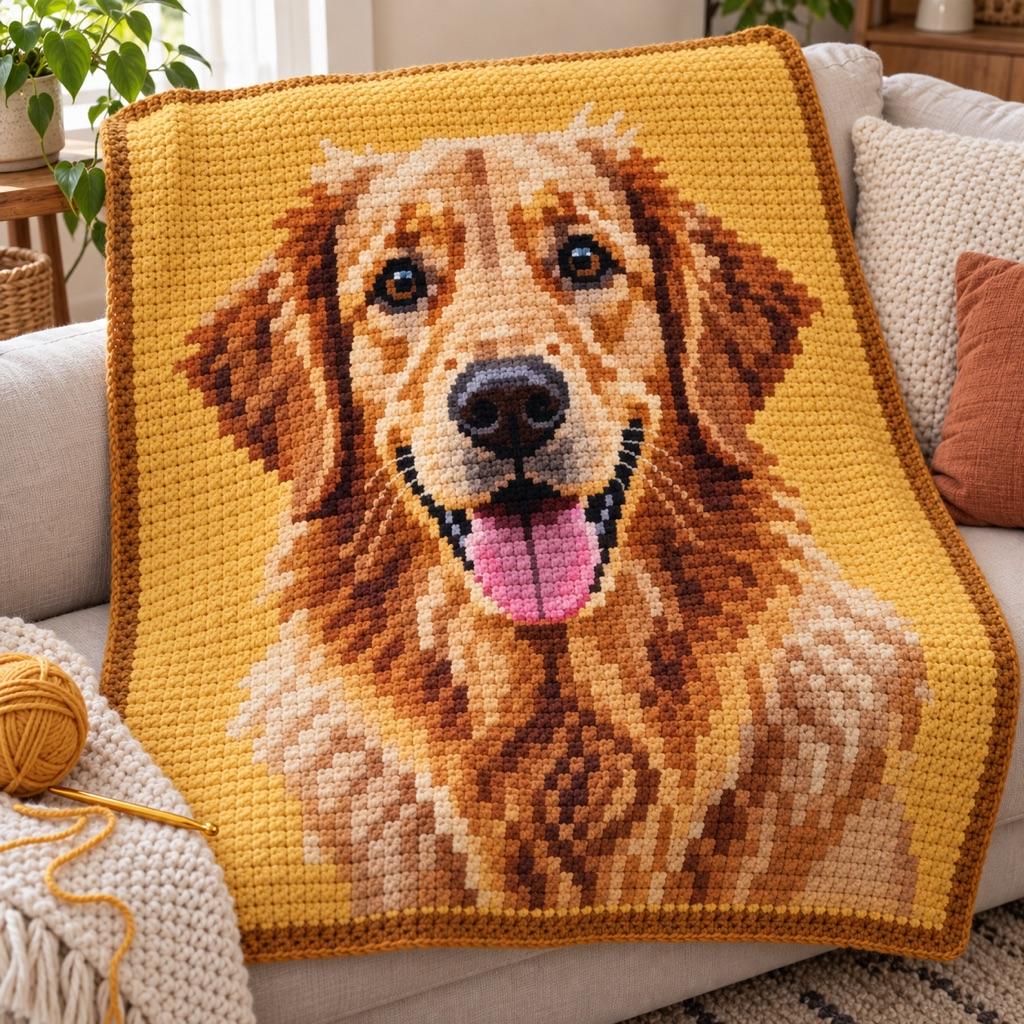
Turn a photo into a real pattern
Want a picture instead of a code? Turn any photo into a crochet chart with yarn estimates.
Open Crochet GeneratorC2C or single crochet for a QR code
Corner-to-corner is the natural fit: every C2C tile is close to square, so one tile per module gives a code with true proportions, worked from a corner on the diagonal. Tiles are big — about 2.5 cm each in worsted — so a 29 × 29 code is a 72 cm square, pillow or baby-blanket size. The C2C pattern generator explains reading a diagonal graph if you have not made one before.
Single crochet is much smaller and sharper: one stitch per module makes the same code about 18 cm wide at 16 stitches per 10 cm. A single crochet stitch is a little shorter than it is wide, so a 1 × 1 code comes out slightly squat; most phones still read it. For a square code, the 6 stitches × 7 rows option turns each module into a block — blanket size. Work it as tapestry crochet and carry the unused color inside the stitches, so there are no floats to catch.
Getting a crocheted QR code to scan
Contrast does most of the work: black and white, or navy and cream, in a smooth yarn. Carried yarn can peek through single crochet, so go down a hook size for a firmer fabric, and keep the dark color on the inside of light stitches when you carry it.
Keep the light border — at least 2 modules, 4 if the piece will hang on a busy background. Scanners locate the code by its three corner squares, so those 7 × 7 blocks must be exact; a stray stitch in the middle is often absorbed by error correction, a wrong corner usually is not.
Crochet is read from the bottom up, and a mirrored QR code will not scan. The written rows under the chart are already in working order, bottom row first and right-side rows read right to left. Block the finished piece flat and test it with a phone camera in daylight.
Crochet QR Code FAQ
Yes. Keep high contrast, a light border and every module in the right place. Scan the preview first, then test the crochet before you add a border or weave in ends — it is much easier to fix a row before then.
One tile per module plus the border. A short link makes a 25 × 25 or 29 × 29 code with a 2-tile border, so 29 or 33 tiles across — about 72–83 cm in worsted with 2.5 cm tiles. Measure a tile on your own swatch for the exact size.
Start with as many stitches as the code is wide including the border, usually 29 or 33, plus your turning chain. The tool shows the stitch count for your link and the total stitches in each color.
Single crochet in tapestry style: small, dense stitches and no floats. C2C is faster for a big piece and keeps the squares square, but each module is a large tile, so the code has to be blanket-sized.
Related Tools and Pages
Knitted QR Code
The same QR chart with stockinette-shaped blocks.
Rick Roll QR Code
Never Gonna Give You Up as a ready-made QR chart for any craft.
C2C Crochet Pattern Generator
Turn a photo into a C2C graph with tile counts per color.
Tapestry Crochet Pattern Generator
Few-color single crochet charts with carried yarn.
Perler Bead QR Code
Any link as a Perler bead QR code with bead counts.