Cross Stitch QR Code Generator
Paste a link and get a cross stitch QR code chart: the exact grid, DMC colors, stitch counts, and a printable PNG you can stitch from.
Cross Stitch QR Code
Paste a link or any text and the grid updates to the exact stitch pattern.
- QR code
- Version 2 (25×25 modules)
- With quiet zone
- 29 × 29 modules
- Finished size
- 2.1 × 2.1 in (5.3 × 5.3 cm)
- Stitches — 310
- 326
- Stitches — BLANC
- leave unstitched
- Recommended
- 2 strands on 14-count
Written rows (29 rows)
Listed top to bottom, each row read left to right, including the light border.
- Row 1: 29 light
- Row 2: 29 light
- Row 3: 2 light, 7 dark, 2 light, 1 dark, 1 light, 1 dark, 1 light, 3 dark, 2 light, 7 dark, 2 light
- Row 4: 2 light, 1 dark, 5 light, 1 dark, 1 light, 1 dark, 3 light, 1 dark, 1 light, 3 dark, 1 light, 1 dark, 5 light, 1 dark, 2 light
- Row 5: 2 light, 1 dark, 1 light, 3 dark, 1 light, 1 dark, 2 light, 1 dark, 1 light, 1 dark, 3 light, 2 dark, 1 light, 1 dark, 1 light, 3 dark, 1 light, 1 dark, 2 light
- Row 6: 2 light, 1 dark, 1 light, 3 dark, 1 light, 1 dark, 2 light, 2 dark, 1 light, 1 dark, 1 light, 2 dark, 2 light, 1 dark, 1 light, 3 dark, 1 light, 1 dark, 2 light
- Row 7: 2 light, 1 dark, 1 light, 3 dark, 1 light, 1 dark, 1 light, 1 dark, 4 light, 3 dark, 2 light, 1 dark, 1 light, 3 dark, 1 light, 1 dark, 2 light
- Row 8: 2 light, 1 dark, 5 light, 1 dark, 3 light, 1 dark, 1 light, 4 dark, 2 light, 1 dark, 5 light, 1 dark, 2 light
- Row 9: 2 light, 7 dark, 1 light, 1 dark, 1 light, 1 dark, 1 light, 1 dark, 1 light, 1 dark, 1 light, 1 dark, 1 light, 7 dark, 2 light
- Row 10: 11 light, 1 dark, 3 light, 2 dark, 1 light, 1 dark, 10 light
- Row 11: 2 light, 1 dark, 1 light, 1 dark, 1 light, 1 dark, 1 light, 1 dark, 2 light, 1 dark, 4 light, 3 dark, 3 light, 1 dark, 2 light, 1 dark, 3 light
- Row 12: 2 light, 1 dark, 2 light, 1 dark, 3 light, 1 dark, 3 light, 2 dark, 5 light, 1 dark, 5 light, 1 dark, 2 light
- Row 13: 2 light, 4 dark, 2 light, 3 dark, 1 light, 1 dark, 1 light, 2 dark, 2 light, 1 dark, 1 light, 3 dark, 1 light, 3 dark, 2 light
- Row 14: 2 light, 1 dark, 3 light, 1 dark, 2 light, 6 dark, 2 light, 5 dark, 3 light, 1 dark, 3 light
- Row 15: 2 light, 3 dark, 1 light, 7 dark, 1 light, 1 dark, 4 light, 2 dark, 2 light, 1 dark, 1 light, 2 dark, 2 light
- Row 16: 3 light, 2 dark, 4 light, 1 dark, 1 light, 5 dark, 2 light, 1 dark, 1 light, 1 dark, 2 light, 1 dark, 2 light, 1 dark, 2 light
- Row 17: 2 light, 1 dark, 3 light, 5 dark, 2 light, 2 dark, 1 light, 1 dark, 1 light, 4 dark, 2 light, 3 dark, 2 light
- Row 18: 3 light, 1 dark, 1 light, 1 dark, 3 light, 1 dark, 4 light, 6 dark, 2 light, 1 dark, 2 light, 1 dark, 3 light
- Row 19: 2 light, 1 dark, 1 light, 1 dark, 1 light, 5 dark, 2 light, 1 dark, 2 light, 1 dark, 1 light, 6 dark, 5 light
- Row 20: 10 light, 1 dark, 2 light, 1 dark, 2 light, 1 dark, 1 light, 1 dark, 3 light, 2 dark, 1 light, 2 dark, 2 light
- Row 21: 2 light, 7 dark, 2 light, 2 dark, 2 light, 1 dark, 1 light, 2 dark, 1 light, 1 dark, 1 light, 2 dark, 1 light, 2 dark, 2 light
- Row 22: 2 light, 1 dark, 5 light, 1 dark, 2 light, 3 dark, 4 light, 1 dark, 3 light, 2 dark, 2 light, 1 dark, 2 light
- Row 23: 2 light, 1 dark, 1 light, 3 dark, 1 light, 1 dark, 1 light, 2 dark, 2 light, 1 dark, 3 light, 6 dark, 2 light, 1 dark, 2 light
- Row 24: 2 light, 1 dark, 1 light, 3 dark, 1 light, 1 dark, 2 light, 1 dark, 1 light, 3 dark, 5 light, 4 dark, 4 light
- Row 25: 2 light, 1 dark, 1 light, 3 dark, 1 light, 1 dark, 1 light, 2 dark, 1 light, 2 dark, 1 light, 1 dark, 1 light, 2 dark, 2 light, 1 dark, 3 light, 1 dark, 2 light
- Row 26: 2 light, 1 dark, 5 light, 1 dark, 3 light, 1 dark, 1 light, 6 dark, 2 light, 2 dark, 1 light, 1 dark, 3 light
- Row 27: 2 light, 7 dark, 1 light, 1 dark, 1 light, 2 dark, 2 light, 3 dark, 1 light, 2 dark, 3 light, 2 dark, 2 light
- Row 28: 29 light
- Row 29: 29 light
Test it: scan the preview on screen with your phone camera before you start.
Dark 310 Black, light BLANC White.
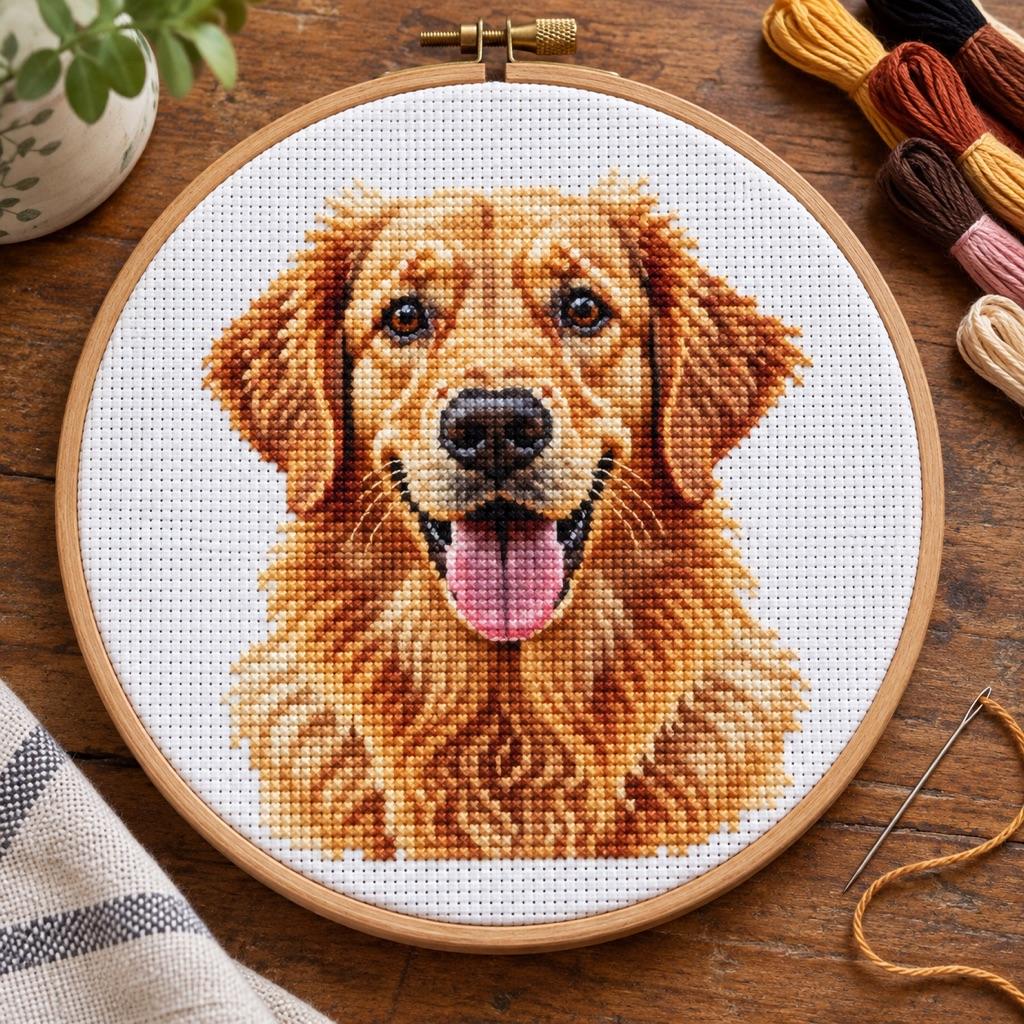
Turn a photo into a real pattern
Have a photo you want in thread? Generate a full cross-stitch chart with DMC colors.
Turn a photo into a cross-stitch patternHow to cross stitch a QR code that scans
Work full crosses in DMC 310 on white Aida and keep the 2–4 square light border around the code. A short link gives a 21×21 or 25×25 grid — about 1.8–2.4 in on 14-count Aida. The border is not decoration: scanners need the quiet zone, so leave it bare or stitch it in white.
A QR code holds any text, so you can make a WiFi code by pasting it in the form WIFI:T:WPA;S:network;P:password;; — replace network and password with yours. The tool encodes exactly what you paste. Scan the finished piece with your phone before you frame it.
Embroidery, knitting and crochet QR codes
The chart works for any square-grid stitch — cross-stitch, needlepoint and plastic canvas all read one cell as one stitch. Knitting and crochet stitches are not square, so a code worked in them stretches and may not scan: knit or crochet a test swatch and scan it before committing. For knitting, plan the grid on the knitting grid paper; for tapestry crochet, use the tapestry crochet pattern generator.
Cross Stitch QR Code FAQ
Yes, if the contrast is strong, the light border is kept, and every stitch is correct. Stitch in DMC 310 on white Aida so the dark modules read clearly, and scan the pattern on screen first to confirm before you start stitching.
14-count is the usual choice — a 21×21 code is about 1.5 in, a 25×25 code about 1.8 in. 16- or 18-count makes a smaller, denser piece; 11-count is easier on the eyes but larger. The tool shows the finished size for each count.
Paste the WiFi string WIFI:T:WPA;S:network;P:password;; into the text box, swapping in your network name and password, and leave the trailing double semicolon. The tool encodes any text, so the finished code joins the network when scanned.
Only if your fabric is not white. On white Aida, leave the light squares bare — you get the same contrast with half the stitching. Turn on "Stitch the light squares too" when working on colored fabric so the quiet zone stays light.
Yes, on an even-weave fabric or Aida: work each dark cell as a small satin-stitch block or a full cross, one cell per block, so the modules stay square. Freehand embroidery without a grid drifts too much to scan. Keep the light border and strong dark-on-light contrast.
Up to 300 characters here, but shorter is better. Every extra character can push the QR to a larger version — more modules, a bigger grid, and more stitching. Use a link shortener to keep a long URL to a small, stitchable size.
Related Tools and Pages
Rick Roll QR Code
Never Gonna Give You Up as a ready-made QR grid for beads, stitches or yarn.
Knitted and Crochet QR Codes
The same QR chart with knitting or crochet stitch proportions.
Cross-Stitch Pattern Generator
Turn a photo into a counted cross-stitch chart with DMC colors.
Perler Bead QR Code
The same QR pattern charted in Perler beads.
Cross-Stitch Text Generator
Type any name or word into a counted cross-stitch grid.
DMC Color Chart
Browse DMC floss codes, names, and color swatches.