Photo to Pixel Art Converter
Upload a photo, choose how many pixels wide and how many colors, and download the pixel art as a PNG. Retro palettes (PICO-8, Game Boy, grayscale) included; everything runs in your browser.
Photo to pixel art converter
Upload a photo and get pixel art you can download as a PNG. Nothing is uploaded to a server — it all runs in your browser.
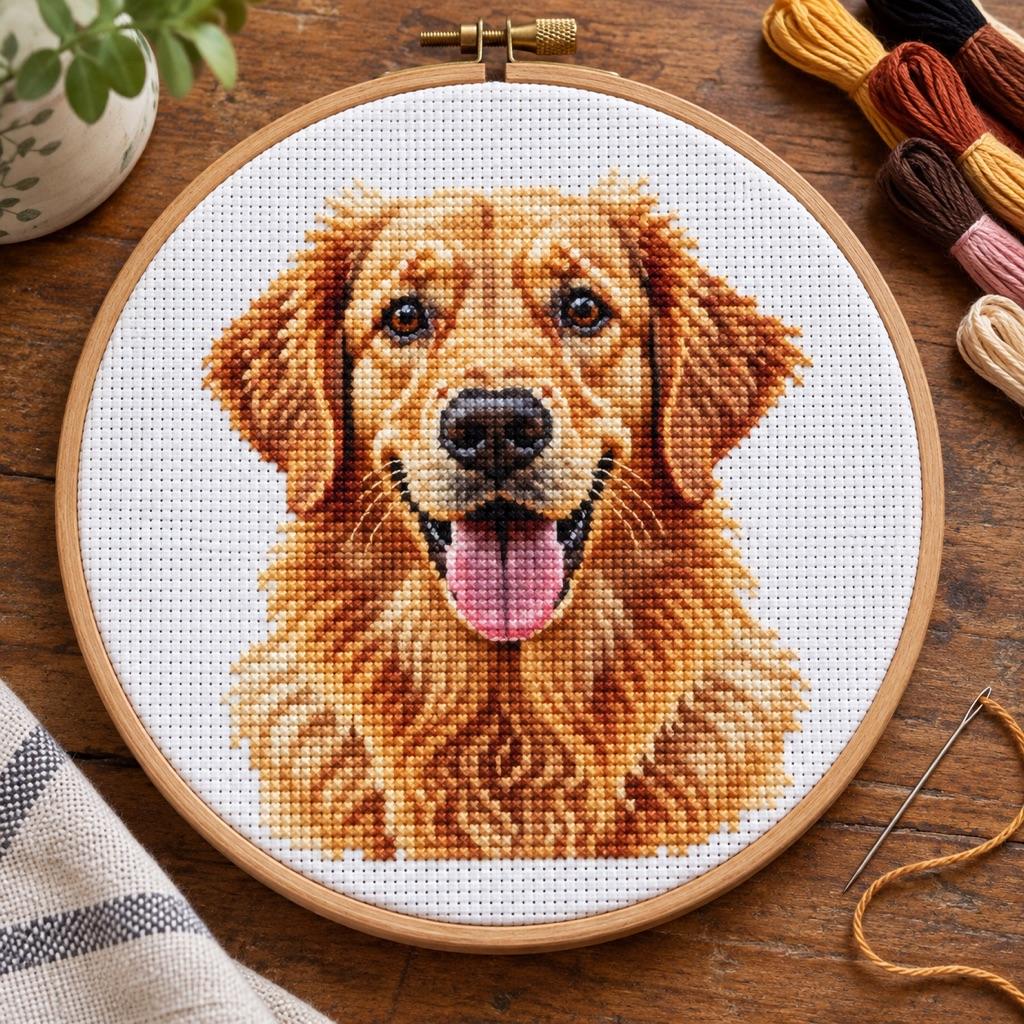
Turn a photo into a real pattern
Turn the same photo into a cross stitch, bead or crochet pattern with real thread or yarn colors.
Open the Pattern GeneratorHow to turn a photo into good pixel art
Crop first. Pixel art has very few pixels to spend, so a face filling the frame at 48 pixels wide reads far better than a whole person on a beach at 128. Plain backgrounds help for the same reason: every pixel the background takes is one the subject loses.
Width sets the detail. 16 × 16 is icon and favicon territory, 32 px suits game sprites and emoji-style avatars, 48–64 px keeps a recognisable face, and 96–128 px starts to look like a mosaic of the photo rather than pixel art. Color count sets the style: 4–8 colors give the flat, hand-made look; 16–32 keep skin tones and shading.
The retro palettes snap every pixel to a fixed set: PICO-8's 16 colors for the fantasy-console look, the Game Boy's four greens, pure grayscale, or black and white for a stencil. The number-of-colors setting applies to the photo palette and grayscale; fixed palettes use their own colors.
From pixel art to a pattern you can make
Every pixel art image is already a chart: one pixel is one cross stitch, one Perler bead, one crochet stitch or one Minecraft block. A 64-pixel-wide picture is about 4.6 in (11.6 cm) wide on 14-count Aida and 32 cm in midi Perler beads — three large pegboards across.
To make one, use the buttons under the preview: they open the same photo in the full generator, which matches real DMC thread or bead colors, adds symbols and counts each color. For a picture you want to draw yourself pixel by pixel, the pixel art grid is a blank canvas, and spreadsheet pixel art puts the same picture into Excel or Google Sheets cells.
Photo to Pixel Art FAQ
Yes. Converting and downloading the PNG is free with no sign-up and no watermark.
No. The photo is resized and recolored in your browser and never leaves your device. It is only sent on if you choose to open it in the pattern generator.
Common sizes are 16 × 16 for icons, 32 × 32 for sprites and avatars, and 64 × 64 for detailed portraits. The height follows your photo's shape, so crop to a square first if you need a square result.
Apps that scale images smoothly blur small pixel art. Download the Large size, which is already scaled up with hard edges, or use the 1× file only where the app scales with nearest-neighbor (most game engines and sprite editors do).
Yes as a guide: one pixel is one block. Pick a width that fits your build and 8–16 colors, then match each color to the nearest block by eye.
Related Tools and Pages
Spreadsheet Pixel Art
The same picture as colored cells in Excel or Google Sheets.
Pixel Art Grid
Draw pixel art by hand on a 16×16 to 128×128 grid.
Pixel Art Pattern Generator
One-cell-one-pixel charts for stitching and beading.
Perler Bead Pattern Generator
Photo to Perler chart with bead colors and counts.
Rick Roll QR Code
A scannable QR code as a pixel art grid.